web
You’re offline. This is a read only version of the page.
close
Skip to main content

Notifications

Announcements

No record found.

Community site session details

Community site session details

Session Id :
Microsoft Dynamics AX (Archived)

SOAP Service URL gives "500 Error" "There is a problem with the server" on the browser.

(0) ShareShare
ReportReport
Posted on by 272

Hi,

I have made a custom service on dynamics 365.
The json url for the service works fine but for the same service, the soap url does not work.
At first, I thought it was doing it with all the soap services so I tried a system service but it worked giving an xml code on the browser.

This was the system service I tested : 
https://usnconeboxax1aos.cloud.onebox.dynamics.com/soap/services/SysHealthPingServiceGroup?wsdl

And this is my service :

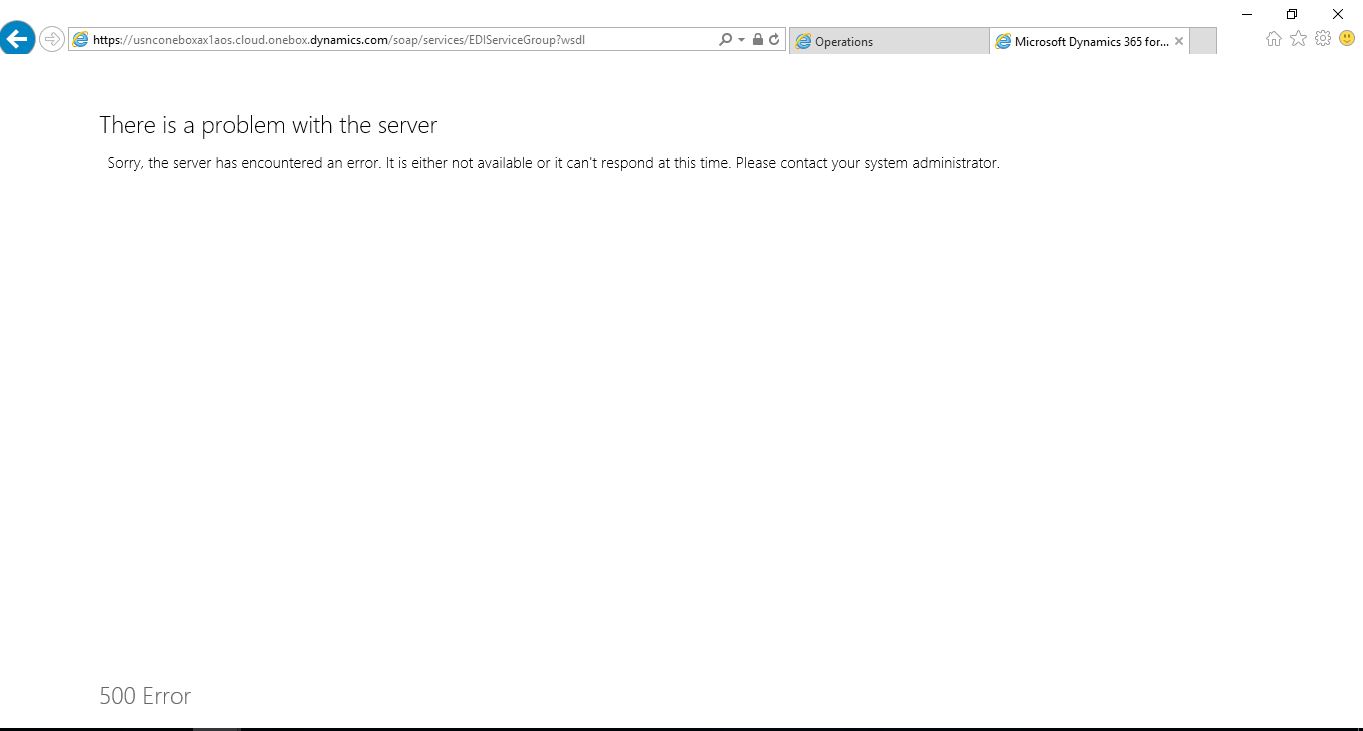
https://usnconeboxax1aos.cloud.onebox.dynamics.com/soap/services/EDIServiceGroup?wsdl

Here is a screenshot for what it displays in the browser :
soap_5F00_error.JPG

How do I fix this issue?

Best Regards,
Muhammad Ozair Naeem

*This post is locked for comments

I have the same question (0)
  • Martin Dráb Profile Picture
    237,795 Most Valuable Professional on at

    You must collect more information than that there was some error. You can't fix it unless you know what's wrong.

    First of all, use the Event Viewer to see AX applications logs. The next thing I would try is failed request tracing in IIS.

  • Muhammad Ozair Naeem Profile Picture
    272 on at

    Hi Martin,

    Thanks for replying.

    Can you please elaborate about how to check whats wrong via IIS?

    Thanks.

  • Martin Dráb Profile Picture
    237,795 Most Valuable Professional on at

    Notice that your first step should be evaluating event logs; not playing with IIS. If logs don't show anything and you want to use Failed Request Tracing, you'll find a documentation here.

  • Muhammad Ozair Naeem Profile Picture
    272 on at

    I checked Failed Request Tracing Rules in the IIS on my VM but it shows nothing in it.

    Now?

  • Muhammad Ozair Naeem Profile Picture
    272 on at

    Yes, i opened the logs, then used the url on the browser and there was no event in that log for it. Then I moved to the IIS but it shows nothing too in the failed request tracing feature.

  • Martin Dráb Profile Picture
    237,795 Most Valuable Professional on at

    Which logs did you look into? There are many of them. I suggest you create a custom view for all logs under Applications and Services Logs > Microsoft > Dynamics. I have no idea what you mean by the URL; it may mean that you're looking at something else than event logs.

    I'm sorry, but I can't say what you did wrong when configuring failed request tracing. Try going through the documentation once more.

  • Suggested answer
    B.W Profile Picture
    505 on at

    Good day Muhammad.

    i have recently had to interact with a Web/soap service (not in AX but AX POS Retail) and i am in no way an expert by any stretch of the imagination. but from what i found, the WSDL url describes the services that are available but you need to call the actual service name when doing your requests and pass the correct formatted soap message to the request.

    SoapUI  https://www.soapui.org/ really helped me with my development in this regard. it allows you to test your calls to your services, interact and get correct responses. Error 500 is a general response that the server throws, you need to catch the appropriate WebException to get the correct error returned (if the actual error is being returned from the service)

    hope this helps.

  • Muhammad Ozair Naeem Profile Picture
    272 on at

    Thanks B.A for writing.

    I'll try doing this and let you know if it works.

  • Community Member Profile Picture
    on at

    Awesome. thanks. This resolved my issue. Now i am using IE browser.

Under review

Thank you for your reply! To ensure a great experience for everyone, your content is awaiting approval by our Community Managers. Please check back later.

Helpful resources

Quick Links

Responsible AI policies

As AI tools become more common, we’re introducing a Responsible AI Use…

Neeraj Kumar – Community Spotlight

We are honored to recognize Neeraj Kumar as our Community Spotlight honoree for…

Leaderboard > 🔒一 Microsoft Dynamics AX (Archived)

#1
Martin Dráb Profile Picture

Martin Dráb 4 Most Valuable Professional

#1
Priya_K Profile Picture

Priya_K 4

#3
MyDynamicsNAV Profile Picture

MyDynamicsNAV 2

Last 30 days Overall leaderboard

Featured topics

Product updates

Dynamics 365 release plans


