web
You’re offline. This is a read only version of the page.
close
Skip to main content

Announcements

News and Announcements icon
Community site session details

Community site session details

Session Id :
Microsoft Dynamics NAV (Archived)
Active Discussion

Explore Metadata, User Code & User AL Code of Dynamics NAV Virtual Tables

(0) ShareShare
ReportReport
Posted on by 40

Hello World!

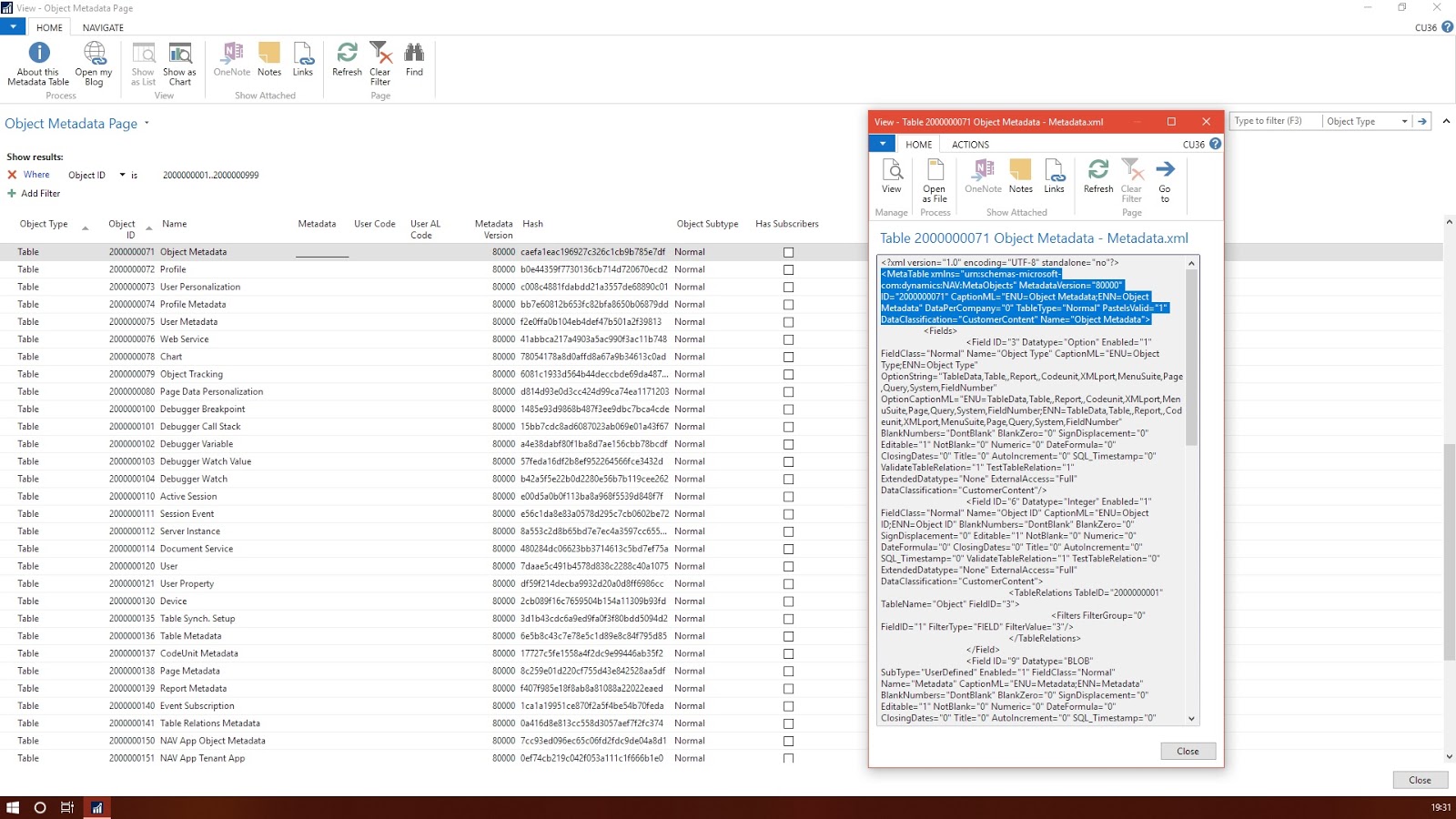
Dynamics NAV has System or Virtual tables, which is not visible in Object Explorer. Object ID range starting from 2000000001..2000000200 and Object Type as Table. In this topic, we will explore more about these virtual tables from Object Metadata.
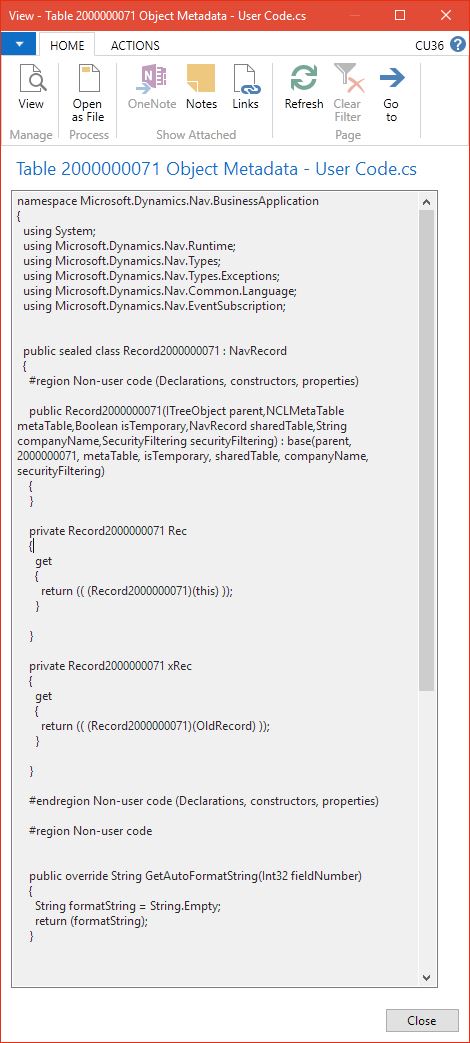
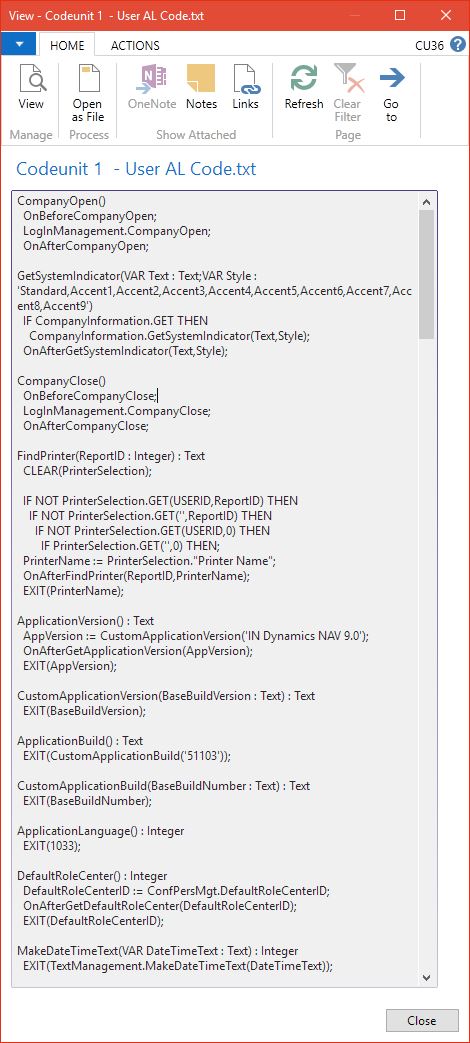
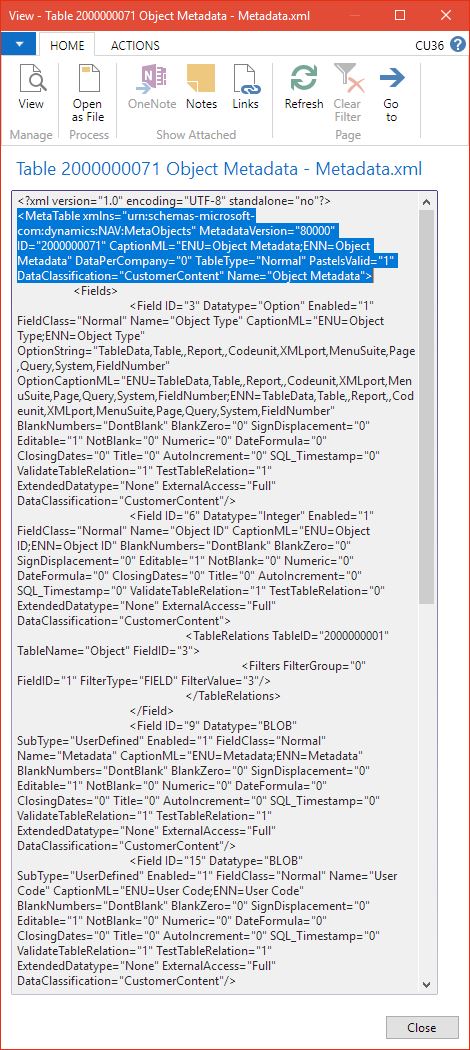
Object Metadata (Itself a virtual table) has 3 fields for each object, [b]Metadata, User Code & User AL Code[/b]. These fields store information in Blob datatype. Metadata is object definition in xml format, User Code is application code written in C# .Net format and User AL Code store codes which we write in C/AL editor (Developer Environment’s Object Designer).
To know more please review my blog:
mrinmax.blogspot.com/.../explore-metadata-user-code-user-al-code.html

*This post is locked for comments

Under review

Thank you for your reply! To ensure a great experience for everyone, your content is awaiting approval by our Community Managers. Please check back later.

Helpful resources

Quick Links

Season of Sharing Community Challenge Launch!

Jump in, show your community spirit, and win prizes!

Women in Power Builds Momentum

Expanding mentorship, skilling, and AI innovation

Congratulations to the May Top 10 Community Leaders

These are the community rock stars!

Leaderboard > 🔒一 Microsoft Dynamics NAV (Archived)

Last 30 days Overall leaderboard

Featured topics

Product updates

Dynamics 365 release plans