Hi All,
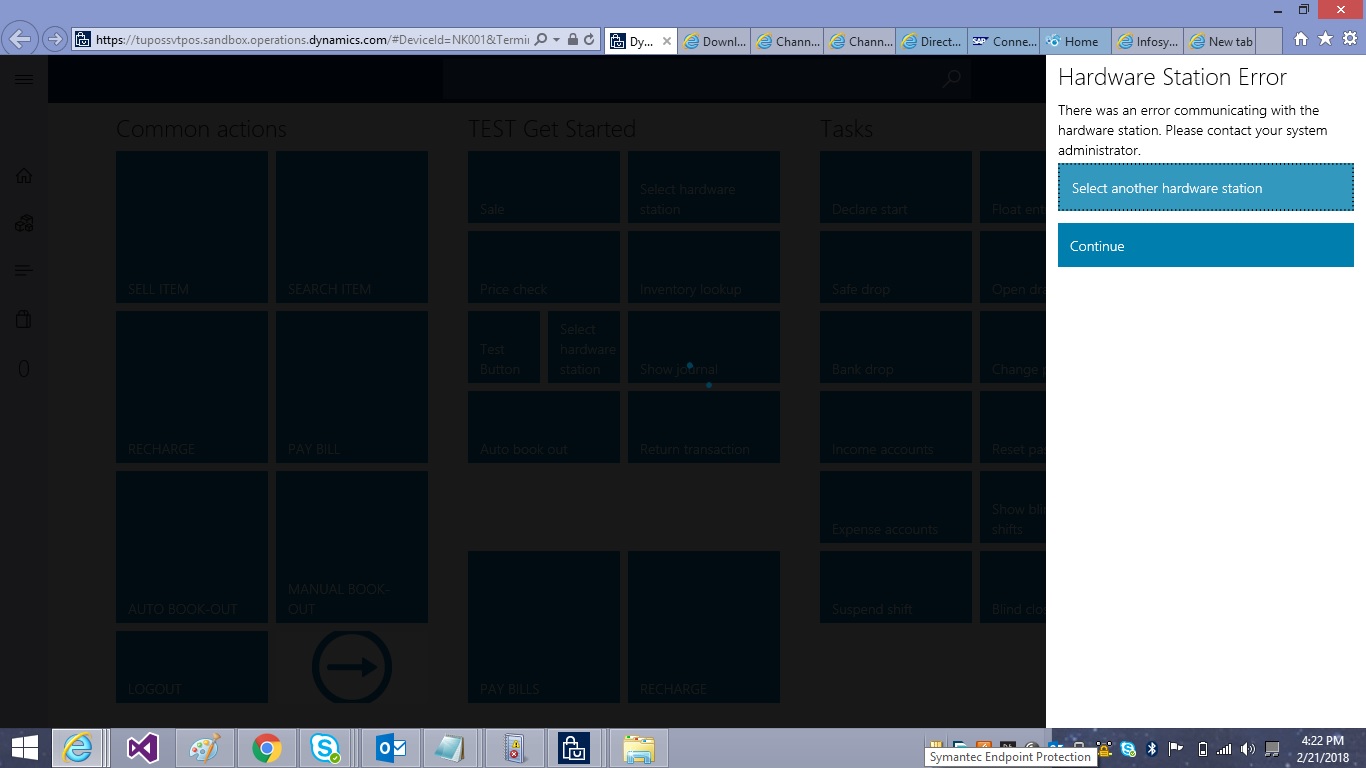
i have attempted to configure the retail peripheral virtual simulator referring this article in Retail D365 ( https://axology.wordpress.com/2017/01/03/peripheral-simulator-in-new-release-of-dynamics-365-operations/ ) after running the jobs , i have tried opening POS and getting the below error refer error screen shot 1
" Hardware Station Error
No active hardware station is available. "
Steps performed after the message
1) closed the error message and open a new shift
2) clicked the select hardware button and turned on the hardware option and turned on the pair hardware option , after that getting the error refer the error screen shot 2
please help me regarding this issue
TIA,
Naresh
Screen Shot 1:

screen shot 2 :
after clicking on select another hardware option and continue still the same error
*This post is locked for comments
I have the same question (0)








 Share
Share Report
 362
362 All responses (
 Answers (






