Hi partner,
One option is to populate these fields to 0 using Business Rules.
http://www.marksgroup.net/blog/dynamics-365-using-business-rules-set-default-values/
Go Setting > Customizations > Customize the system > Entities to select one entity you need, then create one business rule.
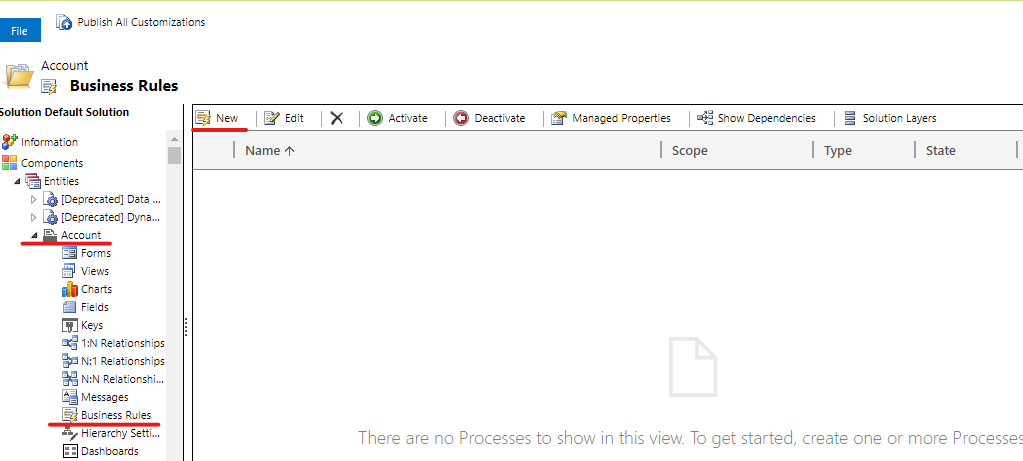
Then use ‘Set default value’ action to set all fields you need value to 0, which will make number field is 0 for new records.
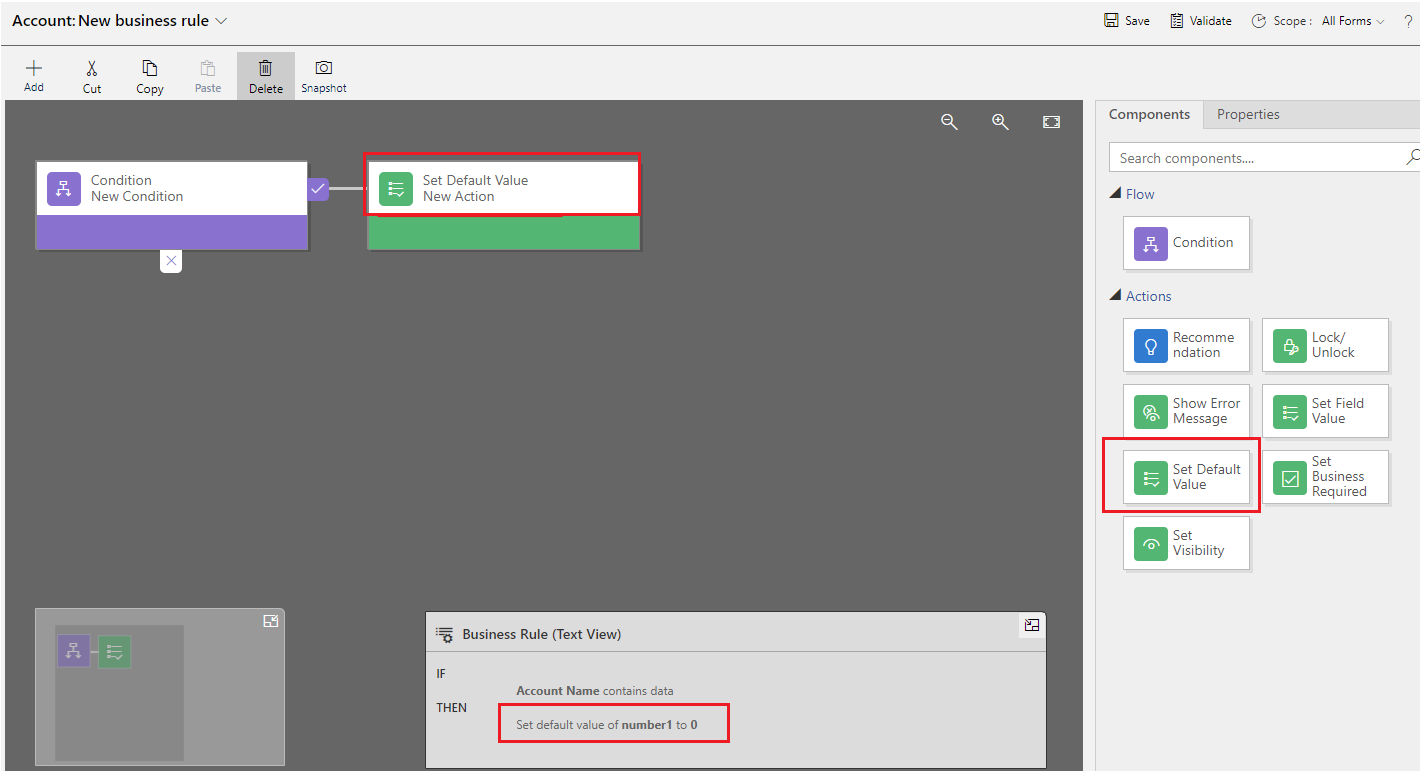
Active the business rule and publish, then test it.
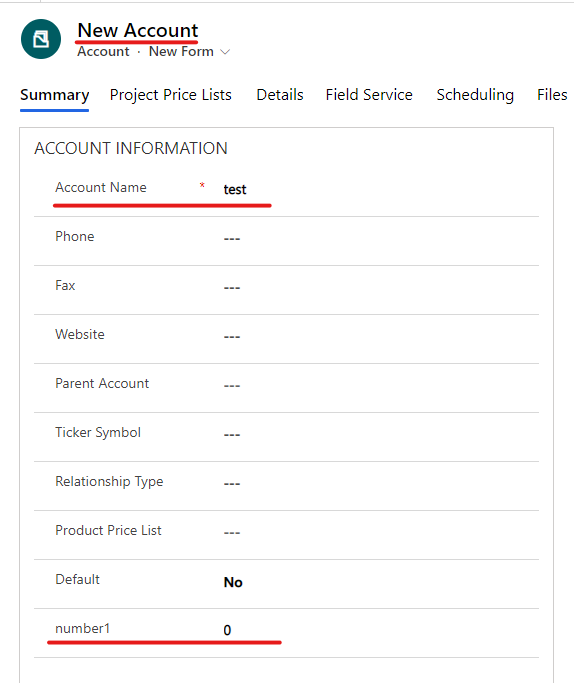
When creating a new record, the number1 field is null if condition are not met, the number1 field is 0 if condition are met.

Note: For existing records, the number field can't be changed.
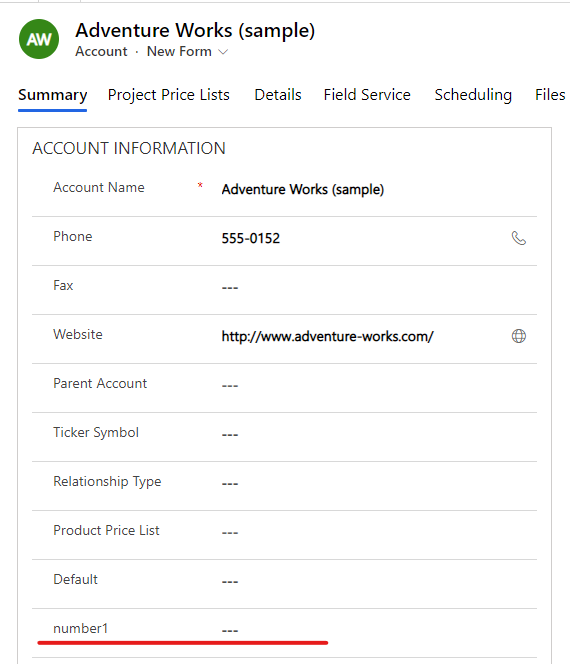
So you can run a background workflow to set existing null values to 0 or export all records and re import after setting it to 0 in excel or excel online.
Regards,
Leah Ju
Please mark as verified if the answer is helpful. Welcome to join hot discussions in Dynamics 365 Forums.


