Hi Davyjones,
1. Don't worry, "Enhanced experience for adding products to opportunities" is another "Add Product" button, you could still use the original button to add opportunity line product.

2. Unfortunately, Quick View Form cannot be added to Quick Create Form.
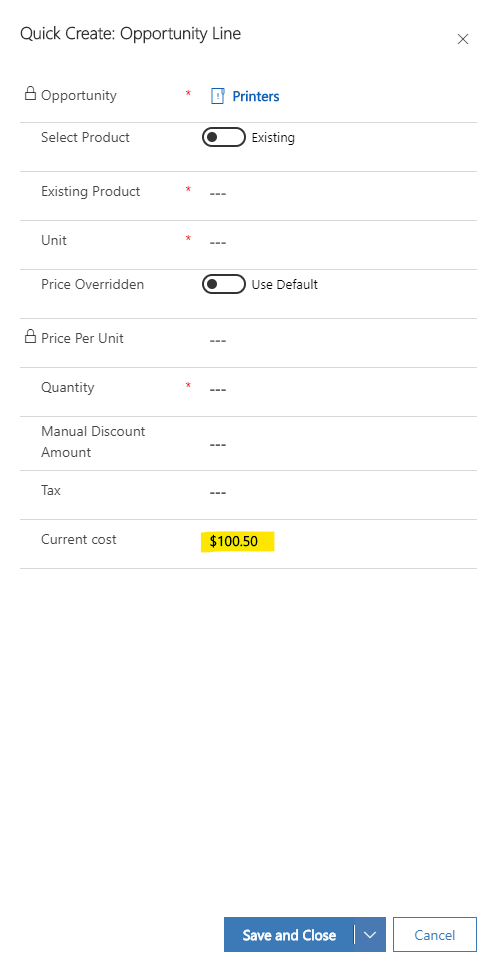
So we need to add a Javascript Onload event to Quick Create Form to automatically populate the "Current cost" with the value of Opportunity's "Current cost".
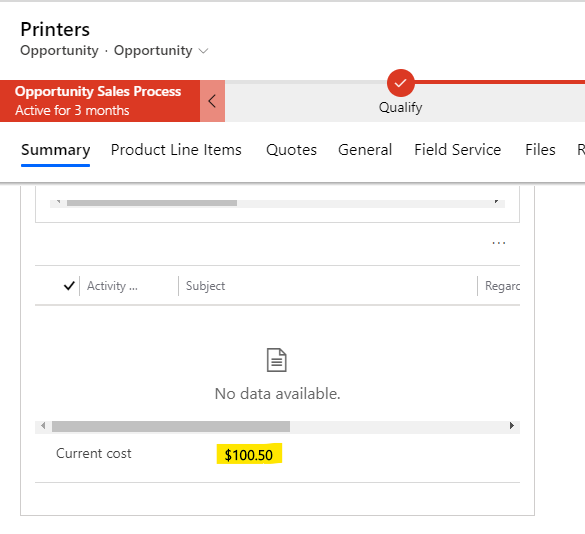
This is the field of the Opportunity entity.

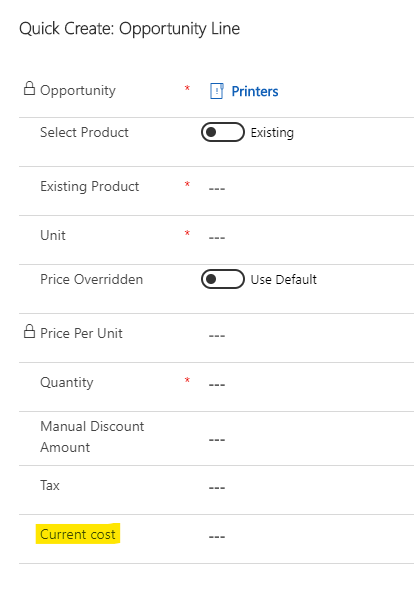
This is the field of the Opportunity Line entity.

This is the Javascript code.
function CurrentCost(executionContext){
    var formContext = executionContext.getFormContext();

    var opportunity = formContext.getAttribute('opportunityid').getValue();

    if (opportunity != null) {
        var opportunityId = opportunity[0].id.replace("{","").replace("}","");

        Xrm.WebApi.retrieveRecord("opportunity", opportunityId, "?$select=new_currentcost").then(
            function success(result) {
                formContext.getAttribute('new_productcurrentcost').setValue(result.currentcost);
            },
            function (error) {
                console.log(error.message);
                // handle error conditions
            }
        );
    }
}
This is the form event for Quick Create Form.


After setting the Javascript and OnLoad event, when we click the Add Product button of the Opportunity form, the field "Current cost" of the Quick Create Form will automatically display the value of "Current cost" of Opportunity.