web
You’re offline. This is a read only version of the page.
close
Skip to main content

Notifications

Announcements

No record found.

Community site session details

Community site session details

Session Id :
Finance | Project Operations, Human Resources, ...
Suggested Answer

Employee enrollment to Fixed compensation plan Issue

(0) ShareShare
ReportReport
Posted on by 180

Hello Experts,

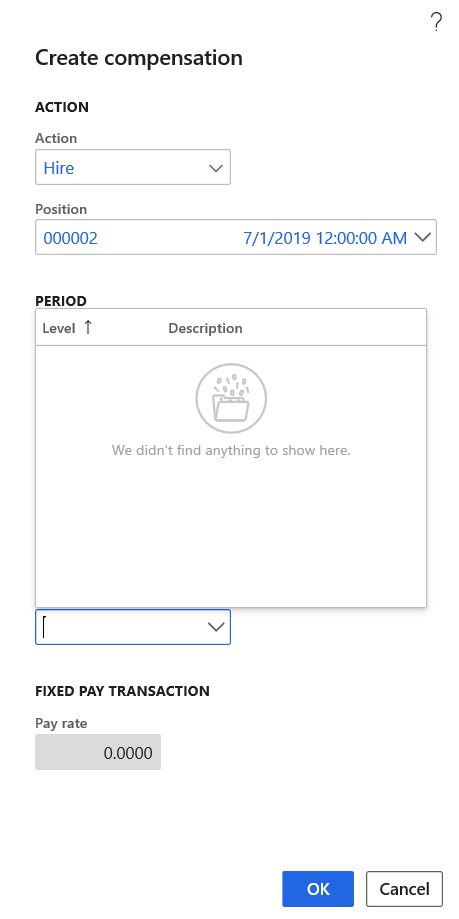
I need help with enrolling an employee to a fixed compensation plan. In my scenario compensation in employees are not managed with bands or levels, i simply need to indicate the salary as a fixed amount and the currency. But in HR, since it is not possible to define salaries without setting up levels and eligibility rules so I created 1 Grade, 1 Plan and 1 eligibility rule (with no condition in it). But at the time of employee enrollment on compensation action window plan field is grayed out and level drop down is empty. Is there some configuration that i missed? Please help!

Plan is grayed out below:

pastedimage1595343883556v1.png               

Level drop down is empty:

pastedimage1595343926138v2.png

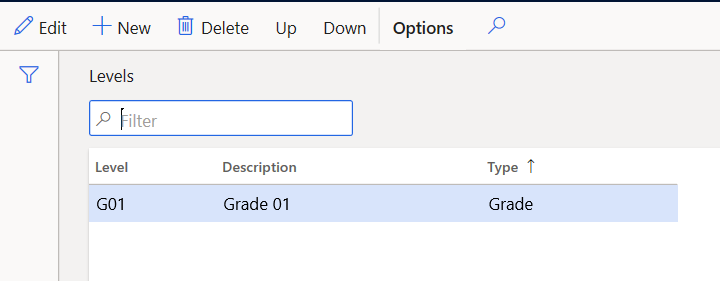
Level record:

pastedimage1595343969959v3.png

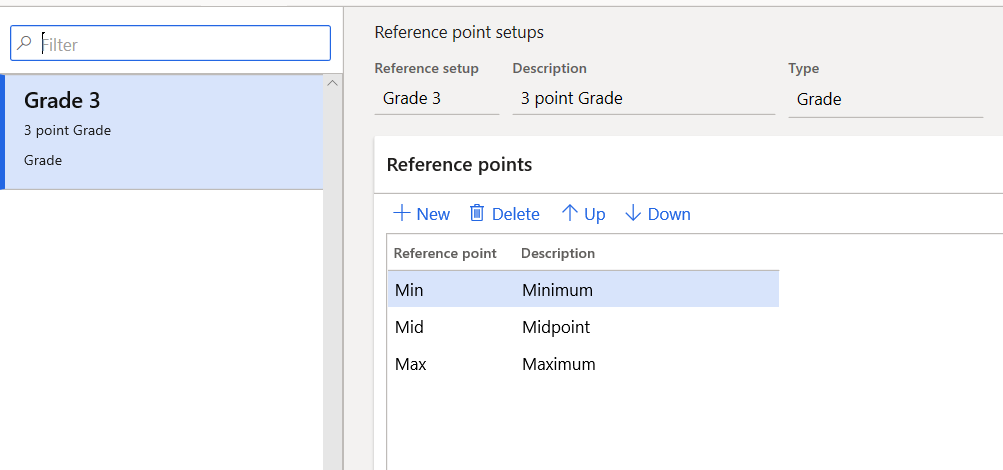
Reference point record:

pastedimage1595344043495v4.png

Grid:

pastedimage1595344073164v5.png

pastedimage1595344100876v6.png

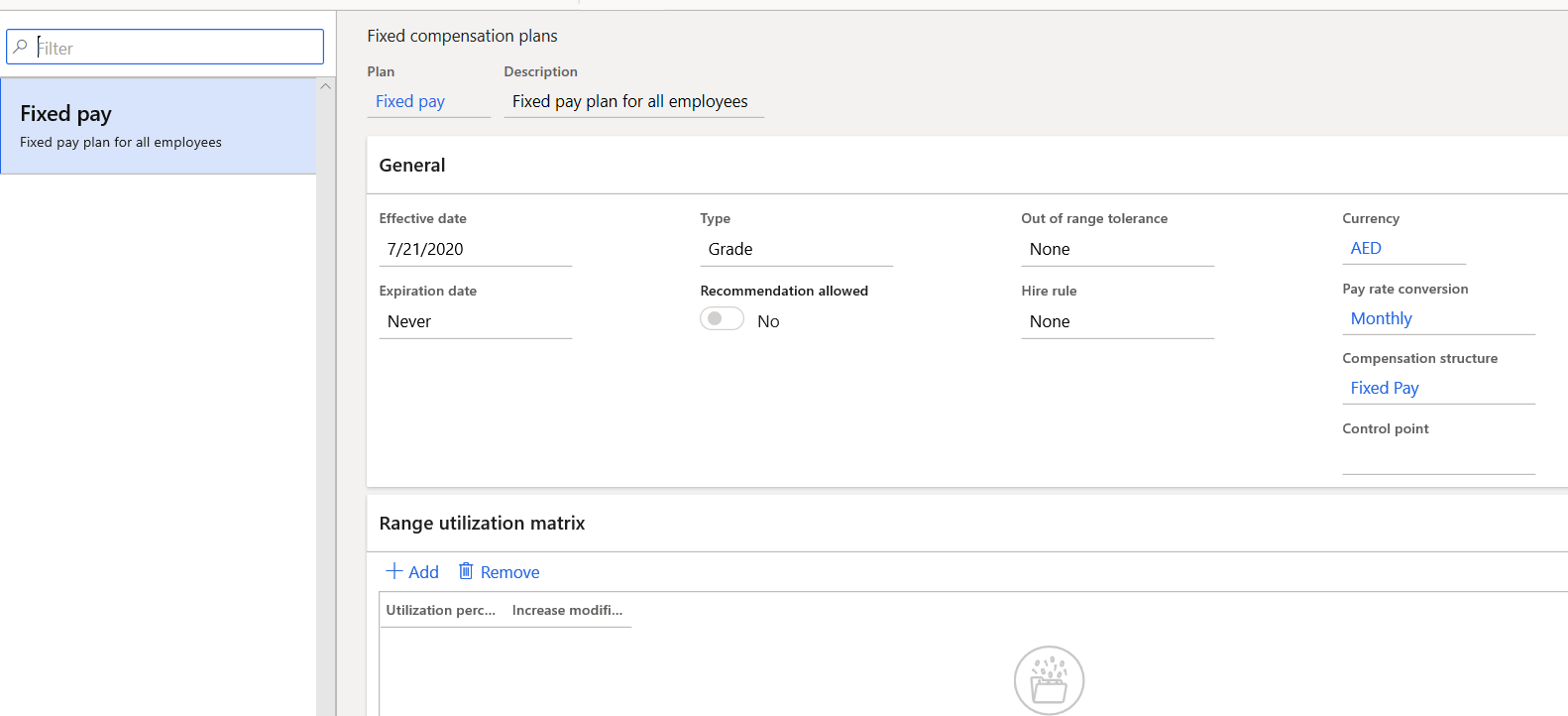
Plan:

pastedimage1595344143994v7.png

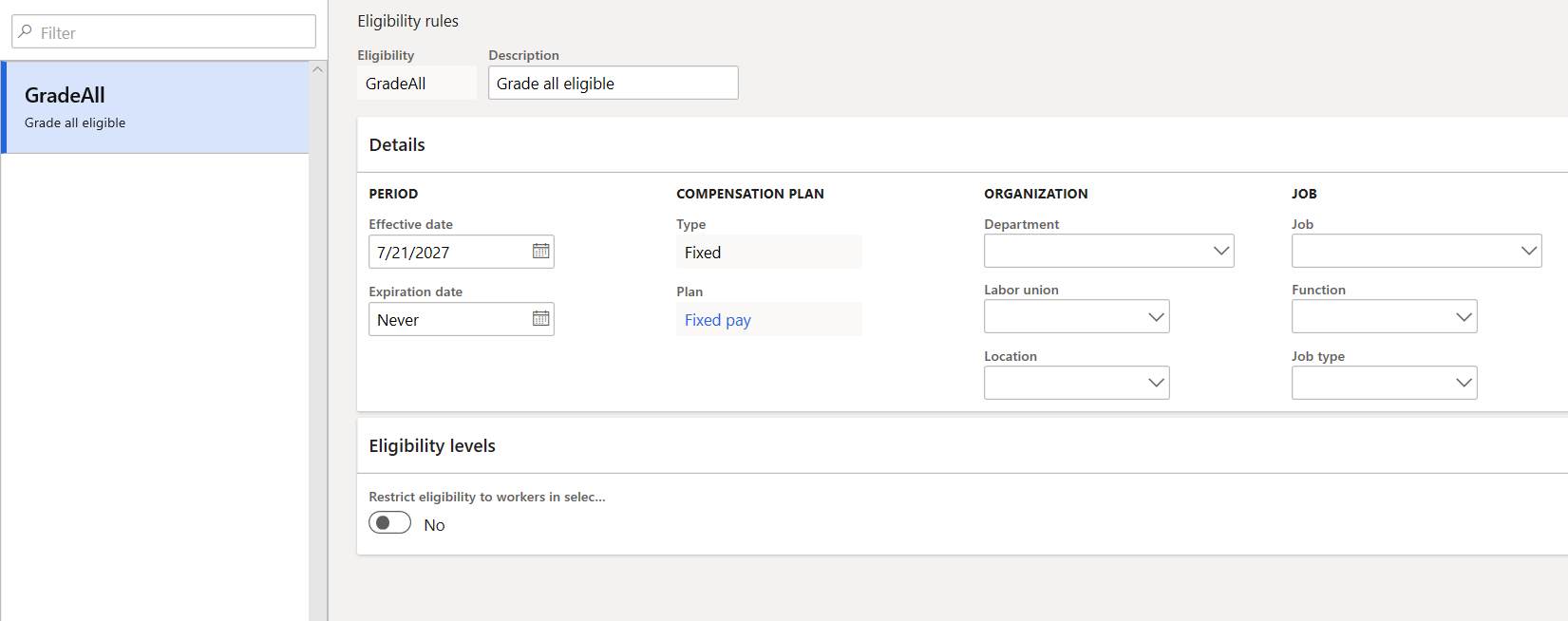
Eligibility rule:

pastedimage1595344206507v8.png

I have the same question (0)
  • CRMDeveloper1 Profile Picture
    180 on at

    my bad! I found the reason. I used a future date in plan start date mistakenly and it appears HR does not show plans in future start date when creating action.

  • qianwang Profile Picture
    7,168 on at

    Hi CRMDeveloper,

    Do you solve your problem?

    I notice your effective date of the eligibility rules is 7/21/2027. Also, there is no option in the drop down list of the Level, probably missing related compensation settings for this job. You can check the compensation tab in the related job page about this position.

  • CRMDeveloper1 Profile Picture
    180 on at

    Hi QianQW,

    Yes it is resolved now. Your observation is correct, they future date was causing issue. For level, I had already setup compensation on Job but later I noticed that when I select today date in Action effective date the level is visible. So i guess HR does not like future dates. Thanks!

  • Suggested answer
    Community Member Profile Picture
    on at

    Hi CRMDeveloper1,

    Since the issue is solved as pointed out by Qian,

    Could we close this thread?

    That makes it easier for us to support other questions ;)

Under review

Thank you for your reply! To ensure a great experience for everyone, your content is awaiting approval by our Community Managers. Please check back later.

Helpful resources

Quick Links

Responsible AI policies

As AI tools become more common, we’re introducing a Responsible AI Use…

Neeraj Kumar – Community Spotlight

We are honored to recognize Neeraj Kumar as our Community Spotlight honoree for…

Leaderboard > Finance | Project Operations, Human Resources, AX, GP, SL

#1
Abhilash Warrier Profile Picture

Abhilash Warrier 669 Super User 2025 Season 2

#2
André Arnaud de Calavon Profile Picture

André Arnaud de Cal... 471 Super User 2025 Season 2

#3
Martin Dráb Profile Picture

Martin Dráb 423 Most Valuable Professional

Last 30 days Overall leaderboard

Product updates

Dynamics 365 release plans