web
You’re offline. This is a read only version of the page.
close
Skip to main content

Notifications

Announcements

No record found.

Community site session details

Community site session details

Session Id :
Customer experience | Sales, Customer Insights,...
Answered

Is it possible to have a searchbar on multiple columns with condition?

(0) ShareShare
ReportReport
Posted on by 52

Hi everyone

I'm kinda new to the 365 sales and dataverse world. The main issue I have is that i need to search items in the classic search bar with conditions and on multiple columns. Is it possible? Or if it isn't, what's the best possible workaround?

For example:

Accounts table

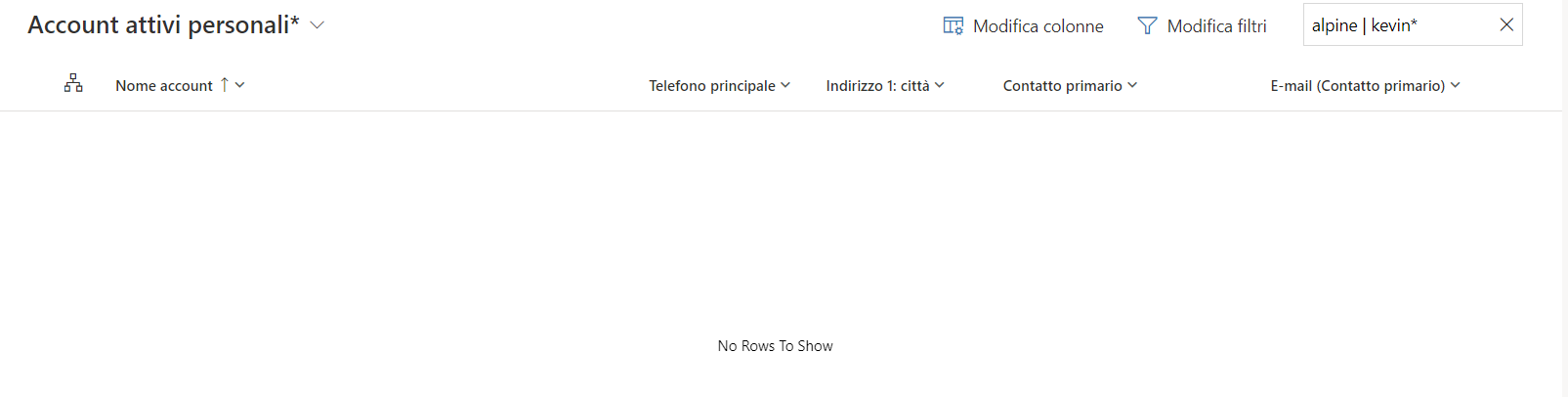
Here i have the search bar

67383.png

when i put a condition the bar doesn't work anymore. Same thing in almost all views
666177.png

05544.png

I have the same question (0)
  • Pradeep Rai Profile Picture
    5,489 Moderator on at

    Hi,

    Please check below link might be helpful:
    https://www.crmsoftwareblog.com/2020/05/dynamics-365-enhanced-filtering-is-here/

  • Lorenzo 365 Profile Picture
    52 on at

    Thank you Pradeep for your fast answer,

    the solution you suggested me unfortunately works only in the tables view.

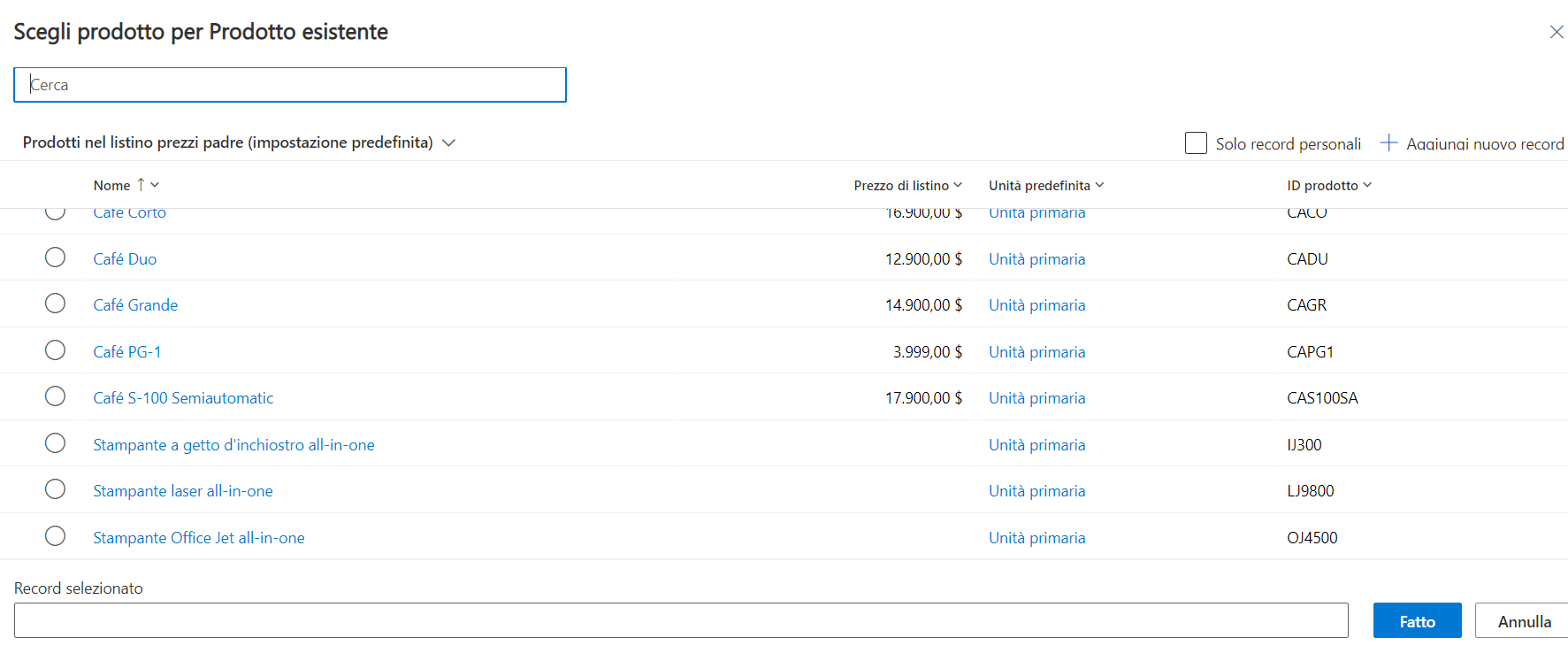
    My main need is being able to search in the advanced product search view with filters on multiple columns. Is it possible?

    28220.png

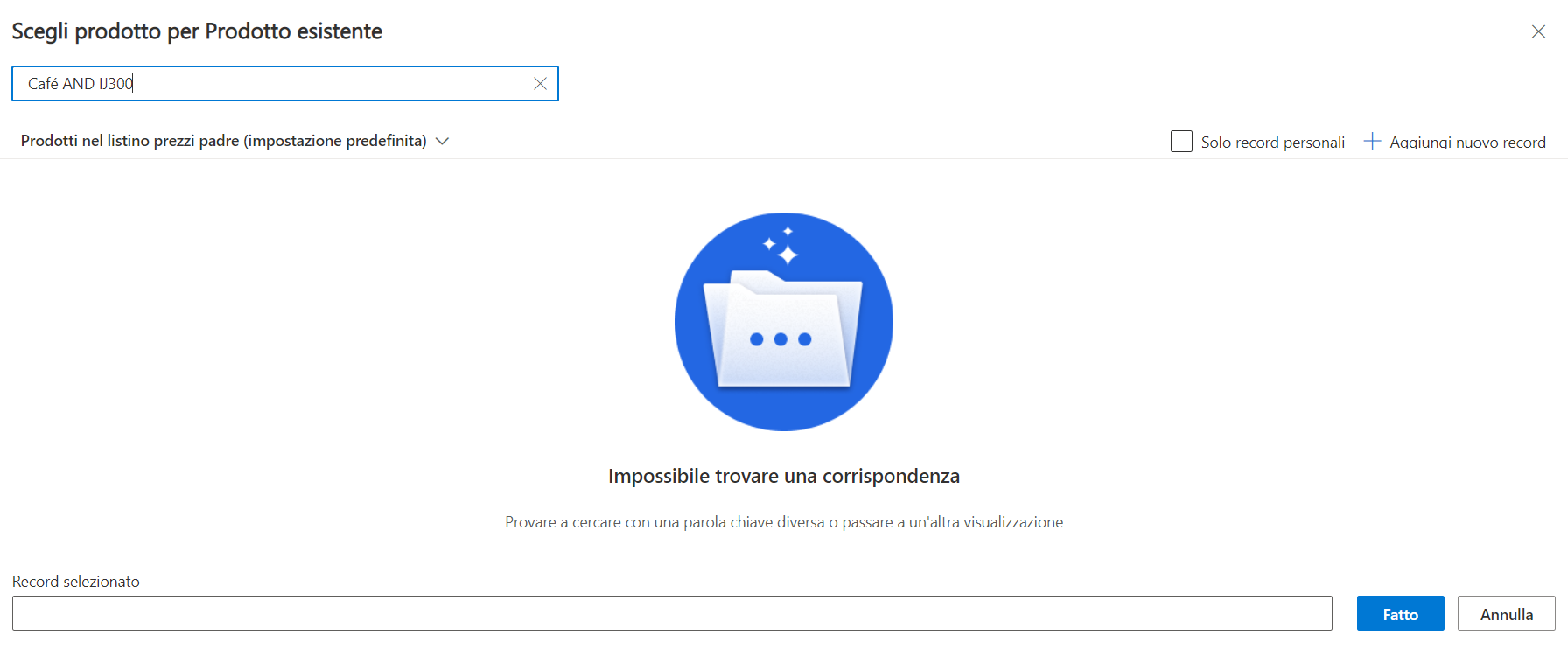
    As you can see there isn't any possibility to filter in this view other than the search bar

    pastedimage1675268187038v1.png

    And if you put a "complex" condition, the filtering action does not work anymore

  • Verified answer
    Mohamed GRAIB Profile Picture
    2,504 Moderator on at

    Hi Lorenzo 365, 

    In my knowledge, you cannot use the logical operators in the search bar, 

    But you can use the advanced find search if you want. 

    Hope that's helpful for you 

    Please mark the answer as verified if that's answer to your question 

  • Lorenzo 365 Profile Picture
    52 on at

    I need to search the product in this view in order to add it to an offer. If there's no way to customize this searchbar this view make me feel weird: it's completely disconnected from the other views and also disconnected from the classic "template" 365 sales uses (there is always a search bar on top-right and columns are at least filtrable from the header)

Under review

Thank you for your reply! To ensure a great experience for everyone, your content is awaiting approval by our Community Managers. Please check back later.

Helpful resources

Quick Links

Responsible AI policies

As AI tools become more common, we’re introducing a Responsible AI Use…

Neeraj Kumar – Community Spotlight

We are honored to recognize Neeraj Kumar as our Community Spotlight honoree for…

Leaderboard > Customer experience | Sales, Customer Insights, CRM

#1
Tom_Gioielli Profile Picture

Tom_Gioielli 96 Super User 2025 Season 2

#2
Jimmy Passeti Profile Picture

Jimmy Passeti 50 Most Valuable Professional

#3
Gerardo Rentería García Profile Picture

Gerardo Rentería Ga... 49 Most Valuable Professional

Last 30 days Overall leaderboard

Product updates

Dynamics 365 release plans