1. Use XrmToolBox – “Attribute Usage Inspector”: This tool only lets me get basic info on the usage of a field and doesn't let me dig any deeper into the data than simple info I can find in the column quick form.

Unless there's another way to use this tool that numerous YouTube videos have missed, I don't think this is the correct tool.
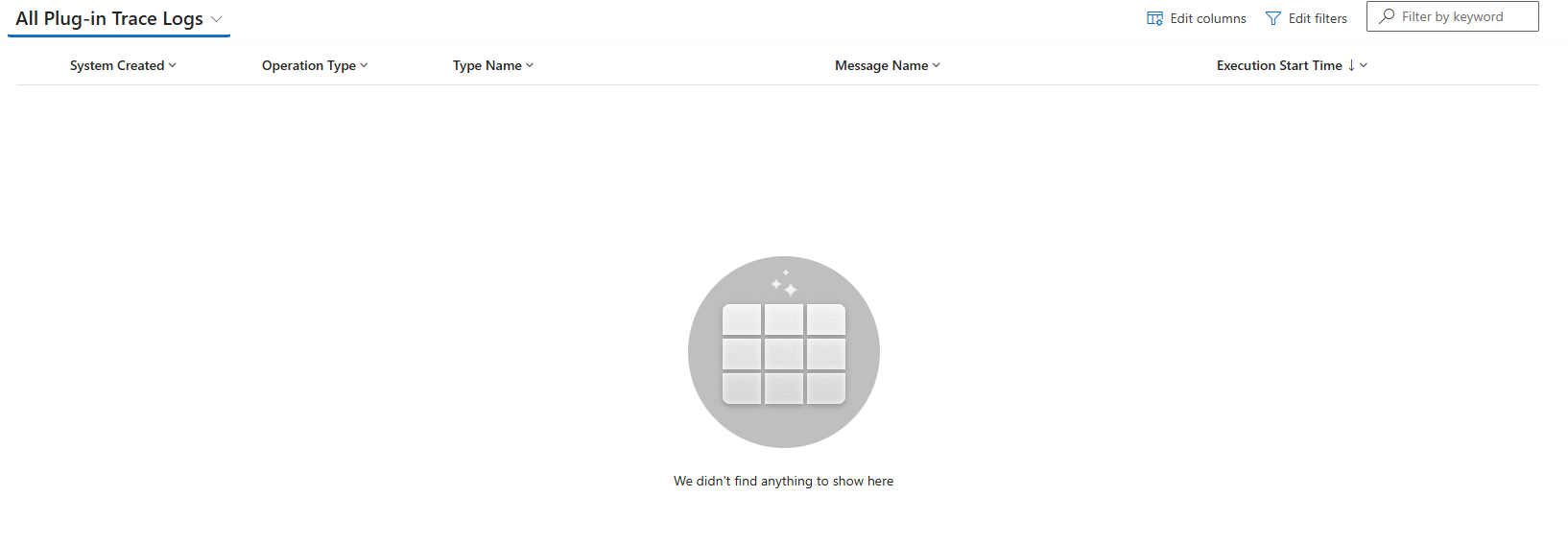
2. The plug-in trace log is empty:
3 & 4. I don't have this User easily available to me. I would need to schedule time, screenshare and walk them through how to enable developer tools. This is a last resort.
5. I can't find field audit history anywhere like you can with a record. I tried the Audit History Extractor in XRM, but that just pulls records' audit histories in bulk, which wasn't helpful.
Here's what's odd:
The user has logged on and used the system several times in the last month:
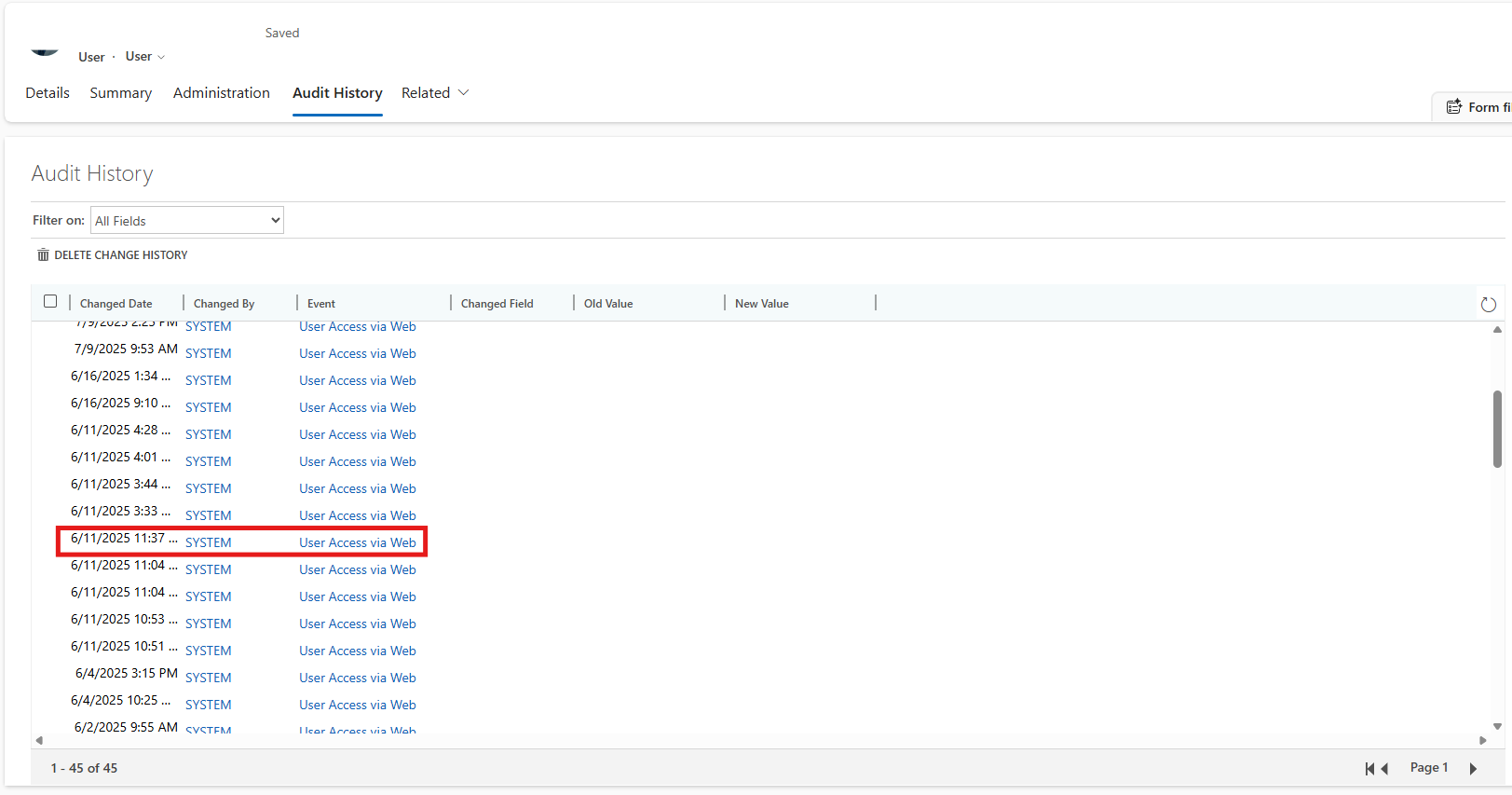
HOWEVER, that highlighted date/time is the ONLY time this change happened and it happened to over 100 records at once (I checked and it's only those 2 fields):
The 2 processes associated with this field do not have an option to run this as an on-demand process, so the user couldn't have selected every opportunity he's associated with (NOT the owner, btw) and made the update.
Additionally, if it were a script running on save or open, it would be running every time he looked at a record, and it's not. It only ran that one time for 100 records.
For now, I'm going to run an import fix to this field, so it doesn't impact my Salesperson, but the bug concerns me.


