Hi all,
I have problem with setting up text formatting on an email notification through the workflow function.
(Procurement and sourcing / Setup / Procurement and sourcing workflow - Basic Settings / Work Item instructions)
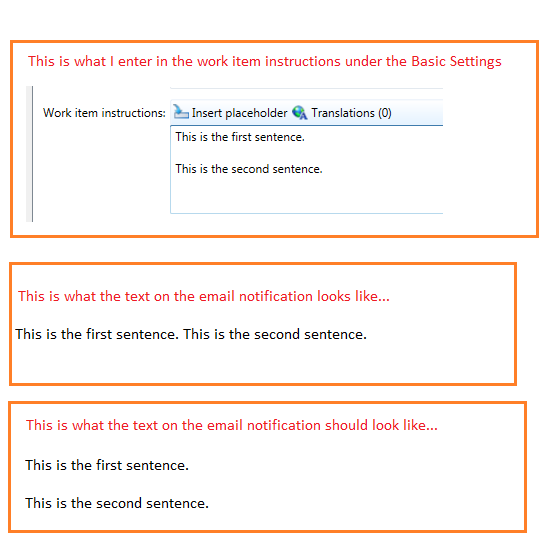
When I enter the text in the "Work Item Instructions" box, I press 'return' key to insert new sentence on a new line. However, when I look at the email notification, the sentences continue on from each other.
How can I put sentences on each line (and with blank lines in between)?
Is there some type of placeholder that can be entered that represents new lines?
I not a developer, so no code solution please. Rather a solution a user of Dynamics can apply.
Thanks
I have included screen shots of what I am referring to.
*This post is locked for comments
I have the same question (0)


