web
You’re offline. This is a read only version of the page.
close
Skip to main content

Notifications

Announcements

No record found.

Community site session details

Community site session details

Session Id :
Service | Customer Service, Contact Center, Fie...
Answered

Problem with Install the solution

(0) ShareShare
ReportReport
Posted on by

Hi, I encountered a problem while configuring the application step by step according to the guide below.

https://docs.microsoft.com/en-us/dynamics365/mixed-reality/guides/

I follow the guide to go to the Get Started page, and sign up for a 30-days trial with an new account.

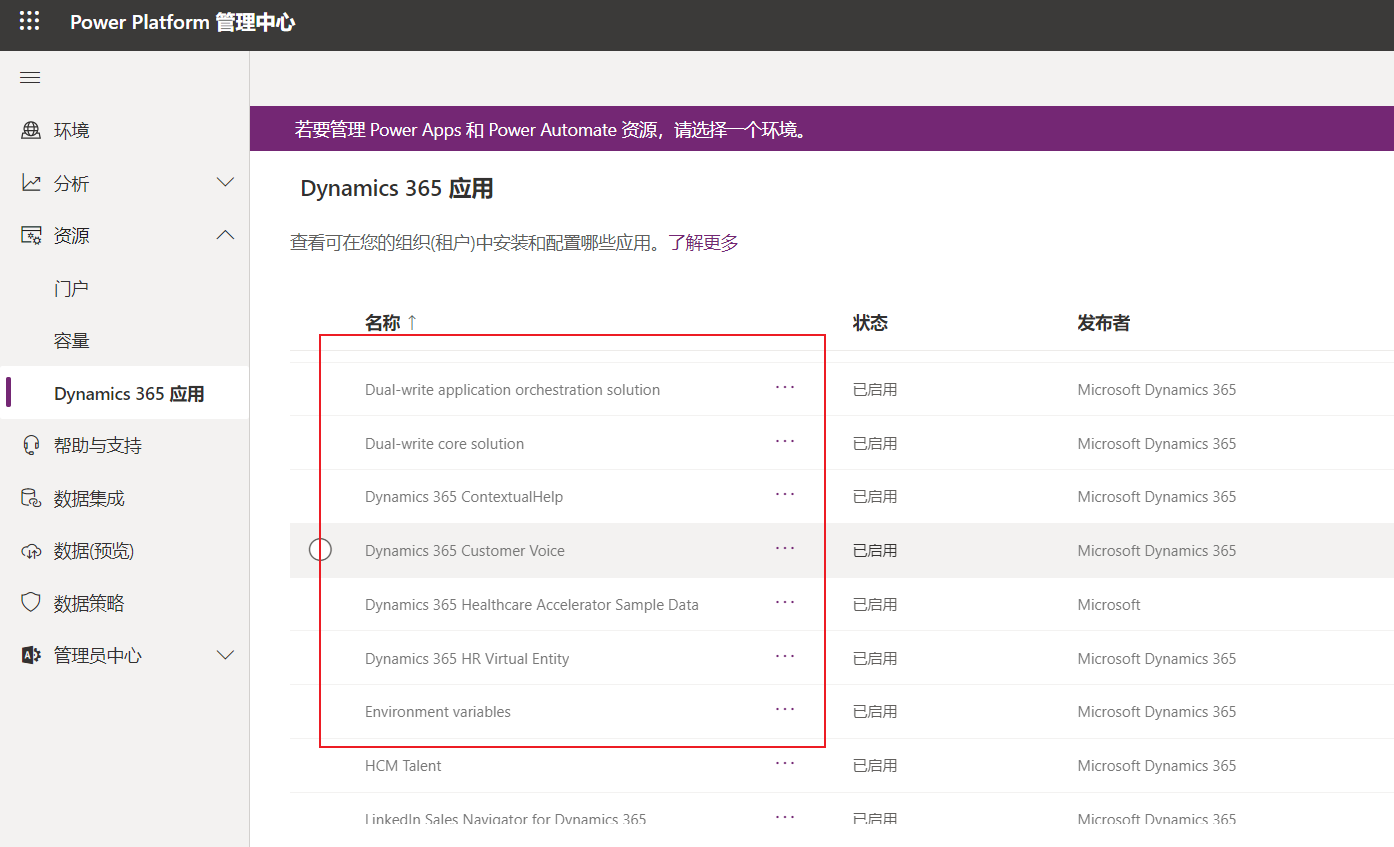
But when in the Install and configure the solution step, the Dynamics 365 Guides do not apper in the list.

The account aleardy has the trial for guides, and I signed up some new accounts , but the same situation appeared.
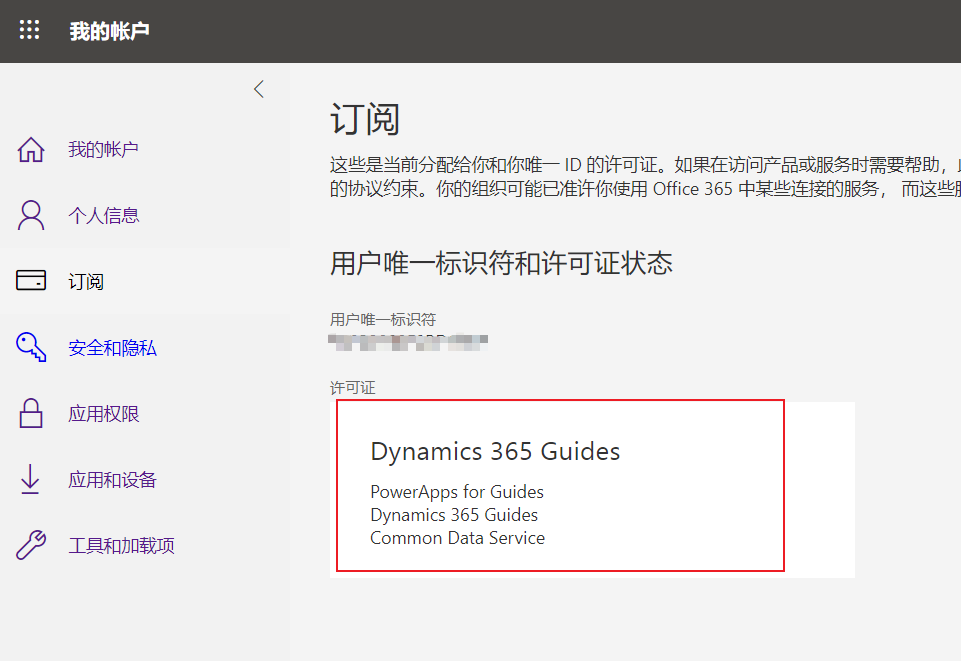
pastedimage1603680932980v1.pngpastedimage1603681025152v2.png

If you can solve the problem, I will be very grateful. Thanks!

I have the same question (0)
  • Ran Zhang Profile Picture
    on at

    Hi, 

    I think the second screenshot has indicated the root cause, you should set up and select one environment before installing the solution. Please run through the whole process according to the documentation. 

    https://docs.microsoft.com/en-us/dynamics365/mixed-reality/guides/setup-step-two#set-up-a-default-environment-for-trial-subscriptions-only 

    pastedimage1603780617647v2.png

    pastedimage1603780551050v1.png

    Please mark my post as answered if it addresses your issue. Kindly please let me know if any further questions.

    Thanks!

  • Community Member Profile Picture
    on at

    Sorry, 

    I tried your method, it didn't work.

    I think step of "Set up environment" and step of "Install solution" are different, choose a environment in previous step will make no sence to latter step, because when selecting "Resources" in the latter step, the page form was resubmitted.

    Thanks!

  • DavePinch Profile Picture
    on at

    Hi ShanghaiOceanUniversity, I'm not sure what is happening here but our CSS team has special tools for identifying and resolving issues. Please open a support ticket at support.microsoft.com/.../support-for-business (I also replied with the same link on the other thread - one support ticket should be OK). Let me know if you have any trouble creating a support ticket.

  • Community Member Profile Picture
    on at

    Dear Dave,

    Thank you for your quick reply.

    I try to create a support ticket with you link, but I failed.

    The system show that "Your account does not have permissions to create support requests for this service."

    pastedimage1603865448755v1.png

    Can you help me with it?

  • Verified answer
    DavePinch Profile Picture
    on at

    No worries... I can look into this. I sent you a message/friend request on this platform so we can chat offline and keep your account/contact information private.

  • henrydai Profile Picture
    5 on at

    I also met the same problem. please tell me how can I solve it

Under review

Thank you for your reply! To ensure a great experience for everyone, your content is awaiting approval by our Community Managers. Please check back later.

Helpful resources

Quick Links

Responsible AI policies

As AI tools become more common, we’re introducing a Responsible AI Use…

Neeraj Kumar – Community Spotlight

We are honored to recognize Neeraj Kumar as our Community Spotlight honoree for…

Leaderboard > Service | Customer Service, Contact Center, Field Service, Guides

#1
Tom_Gioielli Profile Picture

Tom_Gioielli 60 Super User 2025 Season 2

#2
Siv Sagar Profile Picture

Siv Sagar 52 Super User 2025 Season 2

#3
Daniyal Khaleel Profile Picture

Daniyal Khaleel 36 Most Valuable Professional

Last 30 days Overall leaderboard

Featured topics

Product updates

Dynamics 365 release plans