Hello
We are currently updating our NAV 2015 to NAV 2018 (CH).
I am stuck at task 14 (https://docs.microsoft.com/en-us/dynamics-nav/upgrading-the-data) where I have to run the data upgrade
I get the following error:
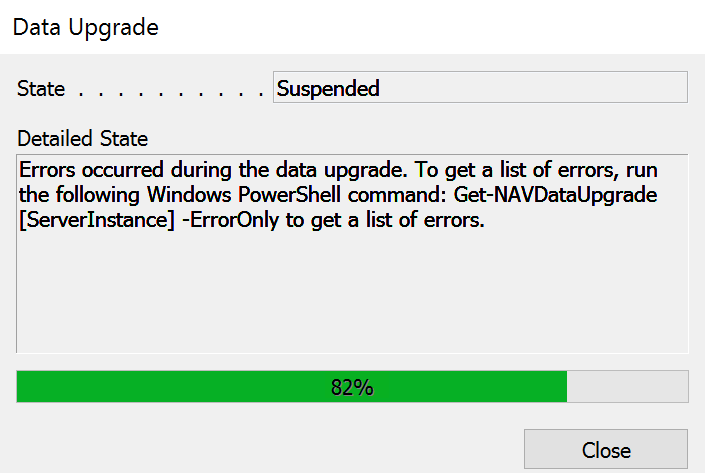
When I check the suggested Powershell Command, I can see several error messages called:
Error : Function 'UpdateSalesIcons' in the upgrade codeunit '104000' has failed because of the following
error: 'The server stopped the session (ID: 455) because of a stop session request.'.
There are some more errors with this message. One complete session message looks like that:
SessionId : 449
CodeunitId : 104000
FunctionName : CreateJobWebServices
CompanyName : COMPANY
StartTime : 20.04.2018 19:04:26
Duration :
State : FailedPendingResume
Error : The function CreateJobWebServices in the company initialization codeunit 104000 in company
COMPANY has failed due to the following error: 'The server stopped the session
(ID: 449) because of a stop session request.'.
ExecutionSourceId : 00000000-0000-0000-0000-000000000000
PostUpgrade : False
I imported all the modified objects and the Upgrade8001100.FOB file. I already restarted the NAV Instances, but no luck.
Did I miss something?
Thank you very much.
Best regards
Raphael
*This post is locked for comments
I have the same question (0)





