web
You’re offline. This is a read only version of the page.
close
Skip to main content

Notifications

Announcements

No record found.

Community site session details

Community site session details

Session Id :
Customer experience | Sales, Customer Insights,...
Answered

How to bulk edit the Senders Account field in Email entity

(0) ShareShare
ReportReport
Posted on by 80

My understanding of bulk edit is:

Advanced Find -> Select all records that I want to edit -> make specific changes.

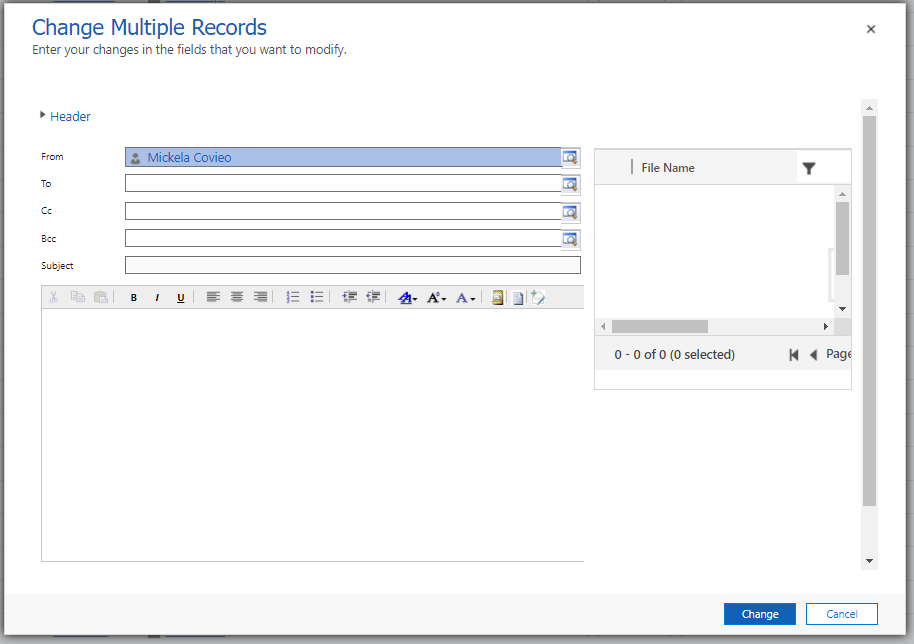
However, in the email entity I get a different 'form' (?) for my bulk edit, and am not able to edit the fields I want to edit.

Essentially, I want to set up a lookup to the corresponding Accounts so that the data is filled out entirely. I imagined it to be as simple as select the fields to edit, BUT in Advanced Find Edit "change multiple records" I do not have an entry for Senders Account.
 pastedimage1644874943410v1.png

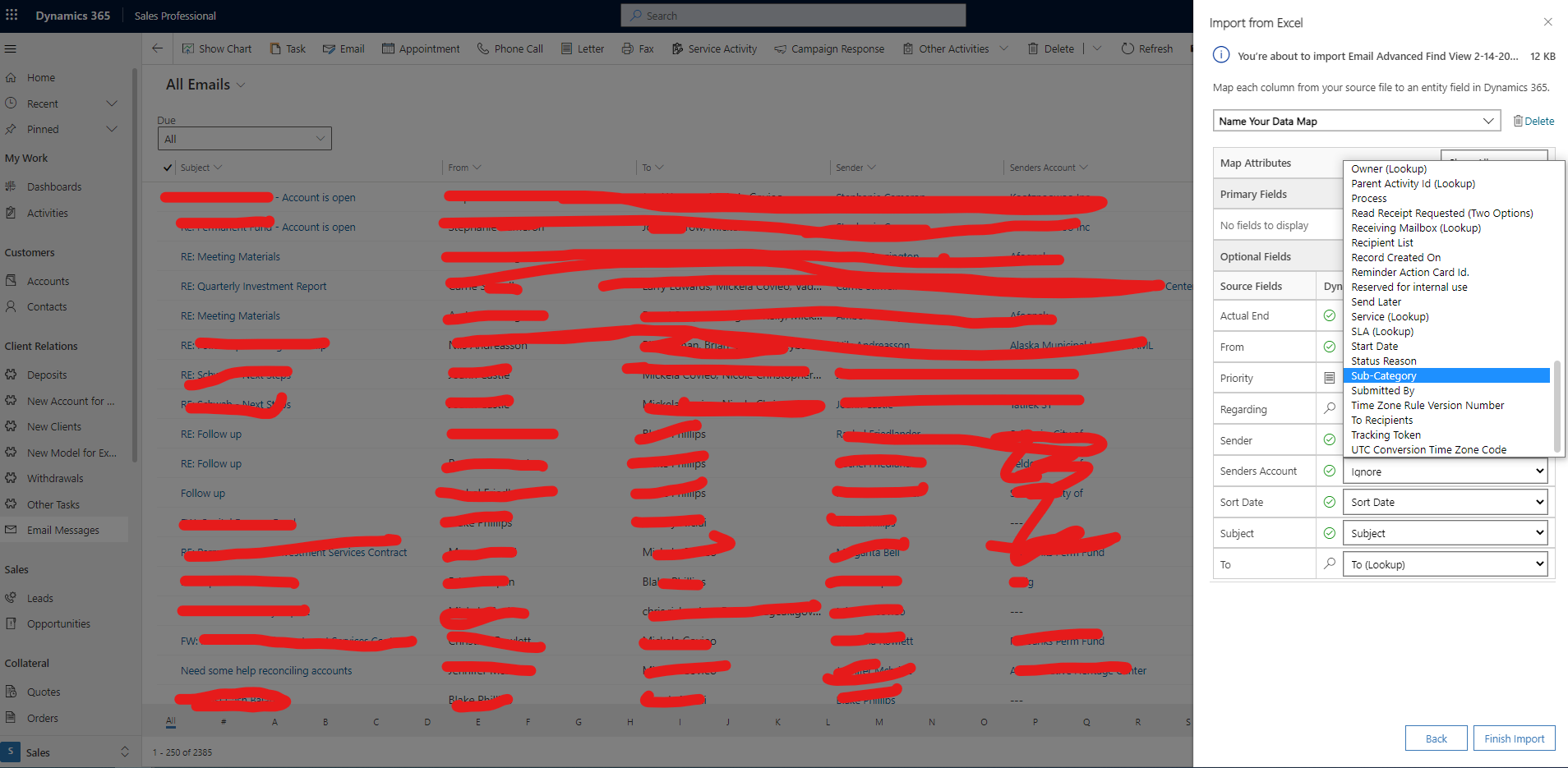
Also, when I Import from Excel I do not see the corresponding field in D365 to map to....
pastedimage1644875090538v3.png

...there are not Dynamics 365 Entity Fields to match it.

How may I add in these Senders Accounts, to complete my database?

I have the same question (0)
  • Verified answer
    Community Member Profile Picture
    on at

    Hi invintern,

    It seems that 'sender' and 'senders account' fields can't be added to the email form, so you can't edit them in the 'Change multiple records' page.

    They should be populated automatically based on 'From' field value.

    And i try to use editable Grid control for email, these two fields can't be editable in the grid.

    pastedimage1644914771671v2.png

  • invintern Profile Picture
    80 on at

    Leah,

    Ok. In any case, since our database is 'complete' now, I expect these fields to autopopulate correctly moving forward. I just wish there was a way I could clean up my old data. Oh, well.

    Thank you, yet again.

    -Ryan

Under review

Thank you for your reply! To ensure a great experience for everyone, your content is awaiting approval by our Community Managers. Please check back later.

Helpful resources

Quick Links

Responsible AI policies

As AI tools become more common, we’re introducing a Responsible AI Use…

Neeraj Kumar – Community Spotlight

We are honored to recognize Neeraj Kumar as our Community Spotlight honoree for…

Leaderboard > Customer experience | Sales, Customer Insights, CRM

#1
Tom_Gioielli Profile Picture

Tom_Gioielli 170 Super User 2025 Season 2

#2
#ManoVerse Profile Picture

#ManoVerse 70

#3
Jimmy Passeti Profile Picture

Jimmy Passeti 50 Most Valuable Professional

Last 30 days Overall leaderboard

Product updates

Dynamics 365 release plans



