web
You’re offline. This is a read only version of the page.
close
Skip to main content

Notifications

Announcements

No record found.

Community site session details

Community site session details

Session Id :
Microsoft Dynamics AX (Archived)

Use of asterisk or wildcard workflow conditions AX 2009

(0) ShareShare
ReportReport
Posted on by

Hi,

AX Version: 2009

Application version: Release, fresh VM installed and downloaded demo data from Partnersource

We are facing an issue where in we cannot use asterisk (*) after a string to indicate a wildcard for workflow conditions. Say we are looking for items that DOES NOT start with 11 then we would use IS NOT value 11* for workflow conditions. 

The problem is workflow is treating the string as a whole (like 11* not 11 then leading characters) which is still an assumption based on testing (i hard coded the item number and it did meet the criteria) so please correct me here if mistaken.

Sample data.

I have 3 purchase requisitions 

Reqid 10001 with itemid 1102

PR1.JPG

Reqid 10002 with itemid 9101

PR2.JPG

Reqid 10003 with itemid 8009

PR3.JPG

Now i created a standard workflow as shown below

PR4.JPG

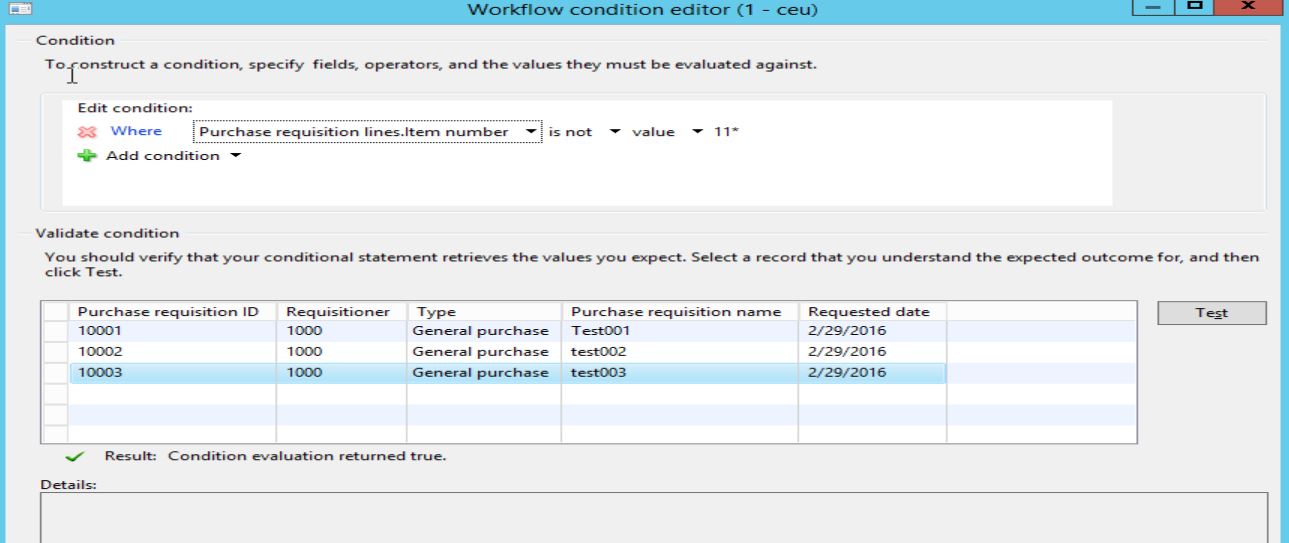
So, when i add a condition (as shown below), where PurchaseLineRequisition.Item Number "IS NOT" value 11* 

I was hoping that AX will read it as a condition where ITEMS that DOES NOT (which are Req10002  and Req10003 ) start with 11 will be true and ITEMS that DOES (req10001) start with 11 will be FALSE, instead it returns TRUE to both.

Req10002 and Req10003 TRUE
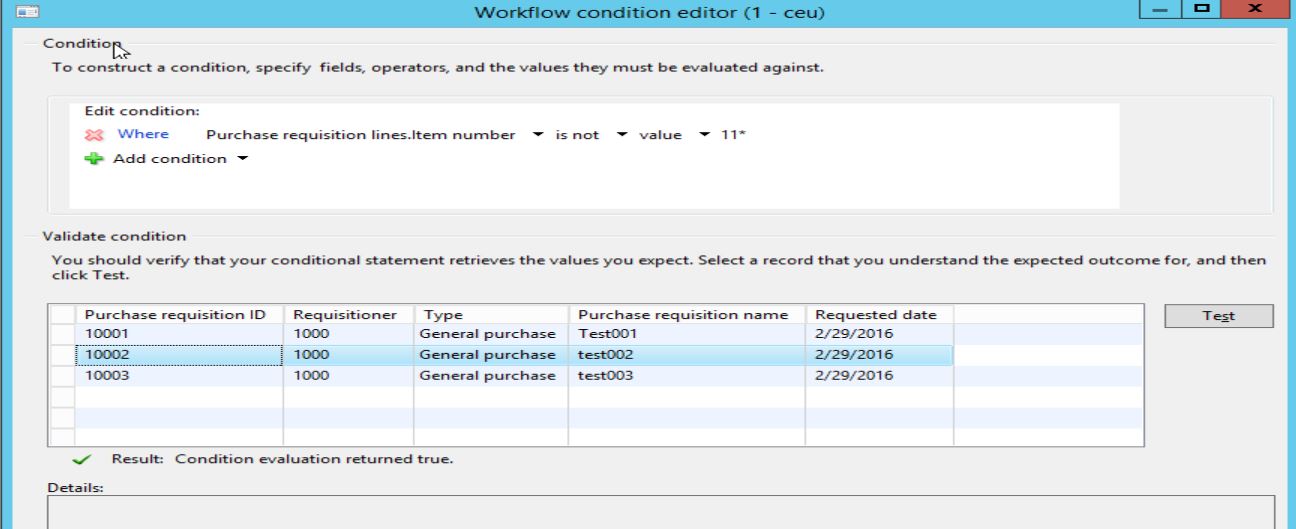
PR5.JPG

PR6.JPG

now REQ10001 where in the ITEM is 1102 should return false because we are expecting that it should NOT meet the workflow condition IS NOT value 11* but instead still returns TRUE because what we think is that it does not recognise the use of ASTERISK as wildcard as part of the search string.
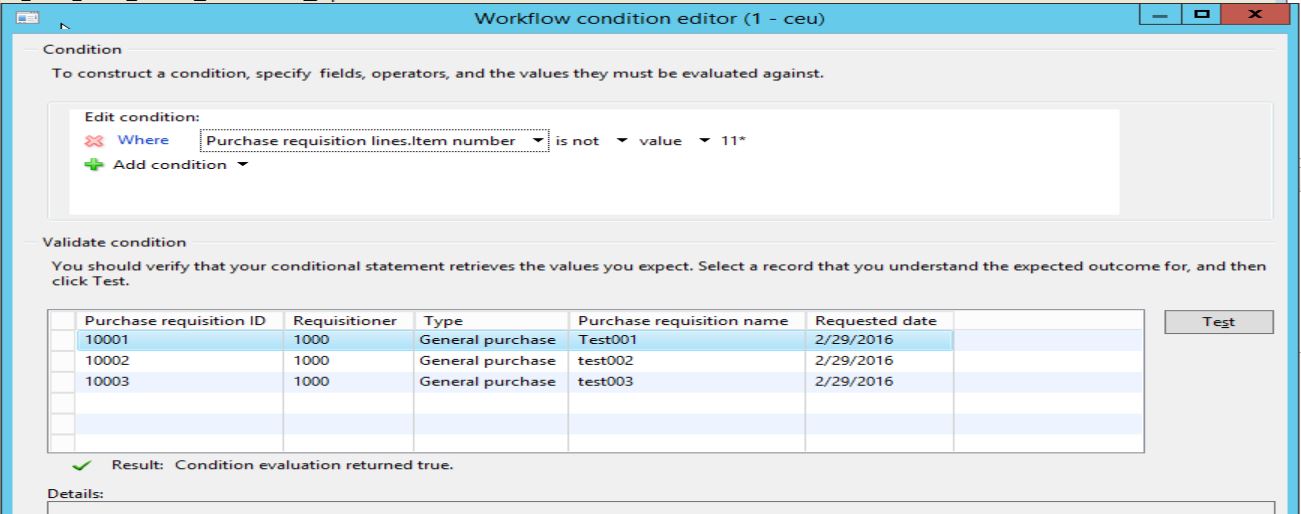
PR7.JPG

Can anyone confirm if this is a limitation to Dynamics AX 2009 workflow or if there is a step we are doing wrong here? :) Would appreciate the help a lot (and promise to confirm the answer once verified :) )

Many thanks, 

Reynaldo

*This post is locked for comments

I have the same question (0)
  • Community Member Profile Picture
    on at

    More to this question, i tried using the BEGINS WITH as an alternative to IS/IS NOT.

    So again i have the following data:

    Req10001 Item ID = 1102

    Req10002 Item ID = 9101

    Req10003 Item ID = 8009

    First step approval

    use the condition to go to approval for items that begins with 11 

    Purchline requisition. item number > Begins with > value > 11

    it will return true to req10001, false on req10002 and false on req10003 WHICH IS EXPECTED

    TEST CASE 2 

    next condition is items that does not begin with 11 should skip approval (please note the use of ! after 11 which indicates NOT then string)

    purchline requisition. item number > begins with > value > !11 

    it will return false to all requisition when it should return true to req10002 and req10003 because these are the requisitions where item is NOT starting or does not begin with 11.

    Hope that made sense. Hope to get some insight on this.  

    Note: I understand that it should have skipped all items which DOES NOT start with 11 because of the first step approval so i would have to confirm our internal procedure on this but in the meanwhile, the requirement is to be able to use the BEGIN WITH then ! (or NOT) or use the IS NOT then asterisk (*)

    Many thanks,

    Reynaldo

  • MAZ04 Profile Picture
    15 on at

    Hello Reynaldo, was there any solution to this?

Under review

Thank you for your reply! To ensure a great experience for everyone, your content is awaiting approval by our Community Managers. Please check back later.

Helpful resources

Quick Links

Responsible AI policies

As AI tools become more common, we’re introducing a Responsible AI Use…

Neeraj Kumar – Community Spotlight

We are honored to recognize Neeraj Kumar as our Community Spotlight honoree for…

Leaderboard > 🔒一 Microsoft Dynamics AX (Archived)

#1
Martin Dráb Profile Picture

Martin Dráb 4 Most Valuable Professional

#1
Priya_K Profile Picture

Priya_K 4

#3
MyDynamicsNAV Profile Picture

MyDynamicsNAV 2

Last 30 days Overall leaderboard

Featured topics

Product updates

Dynamics 365 release plans