web
You’re offline. This is a read only version of the page.
close
Skip to main content

Notifications

Announcements

No record found.

Community site session details

Community site session details

Session Id :
Finance | Project Operations, Human Resources, ...
Suggested Answer

Adding/Publishing the X++ Nuget packages to the Azure Feed

(0) ShareShare
ReportReport
Posted on by 30

Hi Guys,

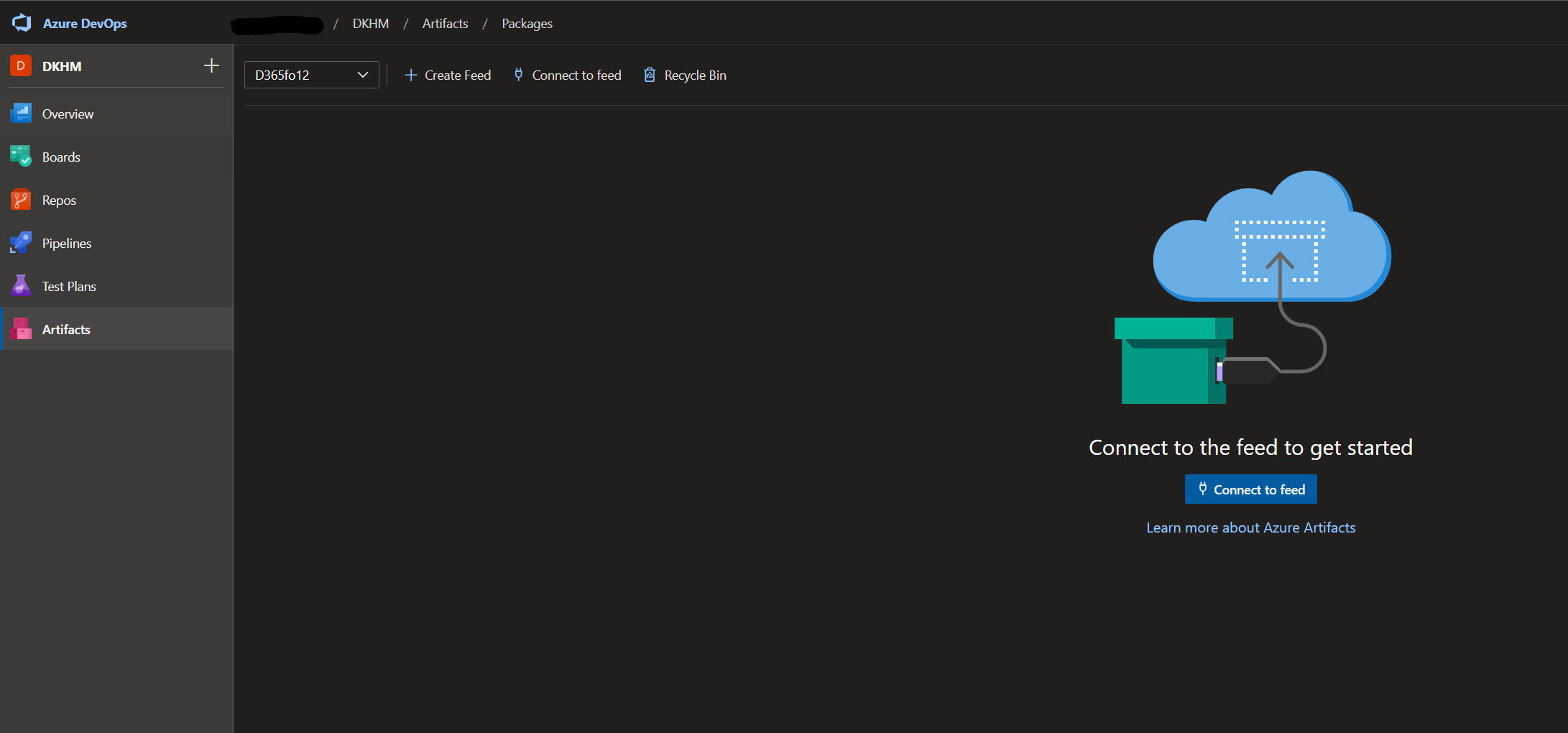
I don't seem to have success with adding the Microsoft.Dynamics.AX.* files (the ones I got from LCS Asset Libray /Nuget Packages) to my Artifact Feed "D365fo12"
pastedimage1611568414201v1.png

can someone explain how to do this...

I tried to follow the Build automation that uses Microsoft-hosted agents and Azure Pipelines - Finance & Operations | Dynamics 365 | Microsoft Docs 

institutions and followed most of it...

But I get stuck around the nuget part... So here is my questions.. 

1. Where (in what folder) should I save the "nuget.exe" I just downloaded ? (Version 4.8.*) 

2. Should I create new Dynamics Project or a C# solution/ project ? 

3. I understand I have to created a 'nuget.config'-file and added the following XML

<?xml version="1.0" encoding="utf-8"?>

<configuration>
<packageSources>
<clear />
<add key="D365fo12" value="">pkgs.dev.azure.com/.../index.json" />
</packageSources>
</configuration>

- but should this file be save to the metadata folder of my TFS Repository 'Trunk/Dev/' ? 

3. Same goes for the file 'packages.config', should that also be saved to the 'Trunk/Dev/Metadata' ? 

<packages>

<package id="microsoft.dynamics.ax.application.devalm.buildxpp" version="10.0.507.10008" targetFramework="net40" />
<package id="microsoft.dynamics.ax.platform.compilerpackage" version="7.0.5688.35573" targetFramework="net40" />
<package id="microsoft.dynamics.ax.platform.devalm.buildxpp" version="7.0.5688.35573" targetFramework="net40" />
<package id="Newtonsoft.Json" version="12.0.3" targetFramework="net461" />
</packages>

Maybe if I can resolve above I'm a step further a head... I think ... 

Thanks.. 

I have the same question (0)
  • Suggested answer
    nmaenpaa Profile Picture
    101,160 Moderator on at

    1. You can save it to anywhere.

    2. You should have one D365 project that contains one empty project for each model that you want to build

    3. The documentation says: "The files can be stored anywhere in source control, because the paths of these files are explicit inputs for the NuGet command."

    4. Same than 3.

  • kgmadsen Profile Picture
    30 on at

    Ok -

    1. I saved the nuget.exe in my Project folder (Done)

    2. I Have created an empty D365fo Project (Check).. but... Question ...Then what ??? Do I save the 2 files (nuget.config and packages.config here) ps. when I look at the properties of the project the 'Manage NuGet Packages' option is disabled...

    3. I dont understand why anywhere... ? Don't I have to Check-in the D365fo Project - It does not make sense... (I'm so confused - sorry)

  • Suggested answer
    nmaenpaa Profile Picture
    101,160 Moderator on at

    You check in the project. And in your build pipeline variables you let the build know where the config files are.

    And in "build solution" task that is in the pipeline there's a property that tells which solution is used for the build (this should be the one that has one project for each model that you want to build).

  • kgmadsen Profile Picture
    30 on at

    I'm not able to check-in the two config files.. into the D365 Project :(

    pastedimage1611597873254v1.png

  • Suggested answer
    nmaenpaa Profile Picture
    101,160 Moderator on at

    You don't add the config files to your Visual Studio project. Just check them in ADO: put them in a local folder that is mapped in your workspace (mapped against ADO folder where you want to have them) and do "Add items to folder" in Source control explorer. Or upload them directly via ADO website (in ADO file explorer you can upload file from the "three dots" menu").

    So: you need to add your Visual Studio solution (containing empty projects for each model) AND the config files to ADO. These are two completely separate steps.

  • kgmadsen Profile Picture
    30 on at

    You mean in the TFS folder 

    pastedimage1611673569256v1.png

    If you have a screen shoot of your maybe I can 'see it' ;) 

    /Kenneth

  • Suggested answer
    nmaenpaa Profile Picture
    101,160 Moderator on at

    You can add it to Metadata folder, License folder, Projects folder, new BuildConfig folder, literally wherever you want!

  • kgmadsen Profile Picture
    30 on at

    Hi  Nikolaos,

    Ok - Done ... - I have save them the two files to my 'BuildProcessTemplate' folder...

    pastedimage1611838779975v1.png

    I have create the Solution 'D365foDevAlm, as you can see with the "D365fo12" Project. (It's for 10.0.12) 

    I have imported the sample from GitHub "Dynamics365-Xpp-Samples-Tools" to my Pipeline but what folder should I map to, in the Pipeline ?  and do I 'connect' my Modules... 

    I really think the docs s***s, on this process. It's really a mess :(  - (Or I am) I would really like to make a step-by-step if we manage to make it work... 

    But thanks for your help so fare.. 

    /Kenneth

  • Suggested answer
    nmaenpaa Profile Picture
    101,160 Moderator on at

    You might want to check this blog: msdyn365fo.wordpress.com/.../

    About the folders, let me explain what I have.

    I have added the nuget.config and packages.config in a folder that I have in PackagesLocalDirectory of my branch.

    And then I have following variables in the pipeline:

    • MetaDataPath: $(Build.SourcesDirectory)\Metadata
    • NugetConfigsPath:  $(Build.SourcesDirectory)\Metadata

    In build tasks, in "NuGet install packages" task:

    • Path to solution or packages config: $(NugetConfigsPath)\[My config folder in PackagesLocalDirectory]\Default\packages.config
    • Path to NuGet.config: $(NugetConfigsPath)\[My config folder in PackagesLocalDirectory]\Default\nuget.config

    In Build solution task:

    • Solution: $/TAL on D365/Trunk/Dev/Projects/[MyFolder]/[MySolution].sln

Under review

Thank you for your reply! To ensure a great experience for everyone, your content is awaiting approval by our Community Managers. Please check back later.

Helpful resources

Quick Links

Responsible AI policies

As AI tools become more common, we’re introducing a Responsible AI Use…

Neeraj Kumar – Community Spotlight

We are honored to recognize Neeraj Kumar as our Community Spotlight honoree for…

Leaderboard > Finance | Project Operations, Human Resources, AX, GP, SL

#1
Martin Dráb Profile Picture

Martin Dráb 646 Most Valuable Professional

#2
André Arnaud de Calavon Profile Picture

André Arnaud de Cal... 529 Super User 2025 Season 2

#3
Sohaib Cheema Profile Picture

Sohaib Cheema 285 User Group Leader

Last 30 days Overall leaderboard

Product updates

Dynamics 365 release plans



