







Prevent Contact Creation in D365 on Tracking Emails from New recipients

 Like
Like Share
Share
 Report
Typically, when you track Email/Appoint records from Outlook, unknown senders are created as Contacts in Dynamics 365?
A new Email from unknown recipient.
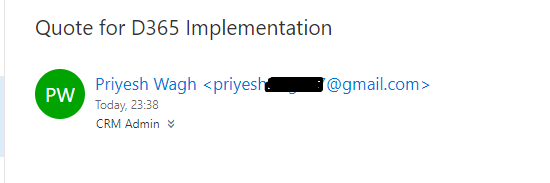
And if you track this Email using D365 App For Outlook, a new Contact is created in D365 without you being notified about it.
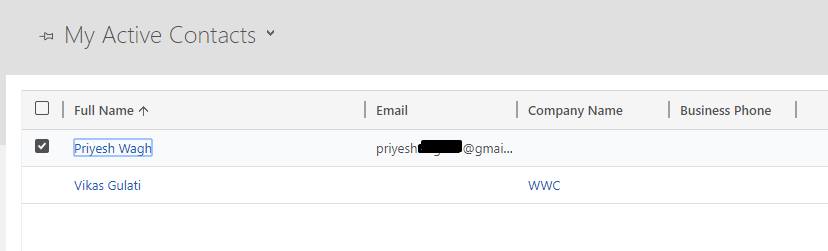
And the Email from the Saved Contact in D365 appears like this
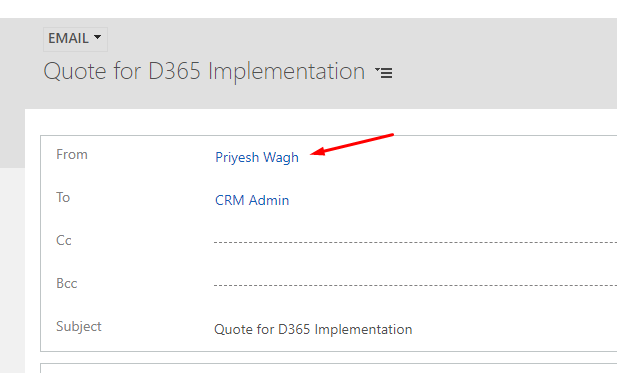
Now, this could be unwanted. And there’s a simple way to turn this off!
Disable Contact/Lead creation
This setting is controlled from your Personal Settings. Under Email tab, look for the option that let’s you create Contacts/Leads for tracked Unknown Recipients.
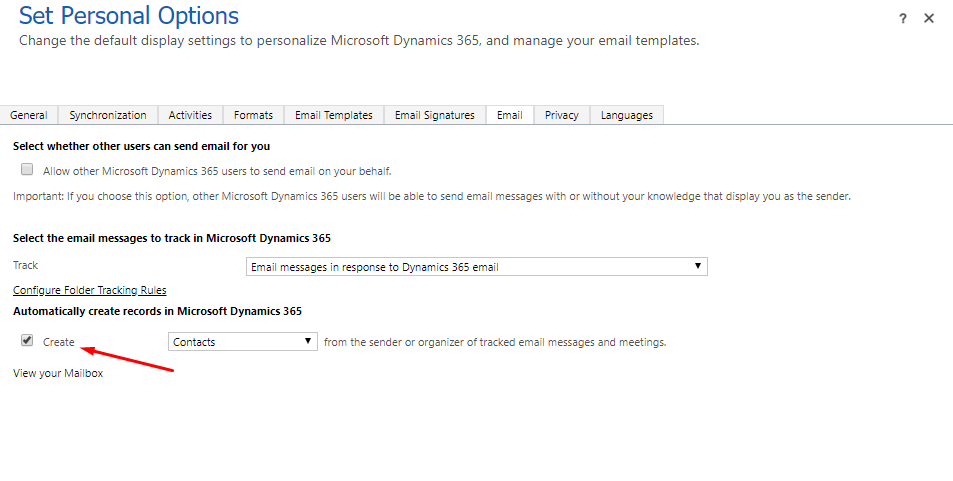
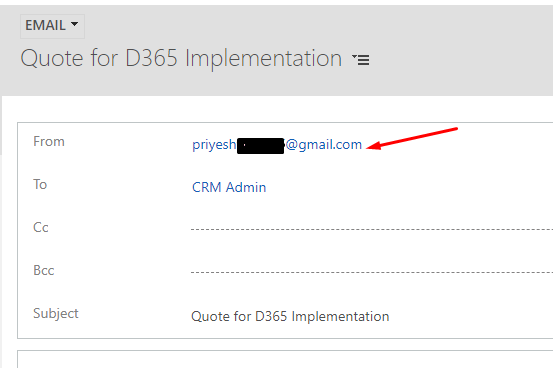
Once you un-check the same, when you track the Email/Appointment with unknown recipients, new Contacts will not be created.
And you could identify this by simply going into Emails and seeing that the Email address appears rather than a Contact.
Hope this helps.
The post Prevent Contact Creation in D365 on Tracking Emails from New recipients appeared first on .
*This post is locked for comments