







Display D365 Plugin Error on D365 Portals.
Views (0)

 Like
Like Share
Share
 Report
Introduction
It is important for the end-user to understand the error displayed on D365 Portals. In this blog, we will display D365 Plugin Error on the D365 Portals.
By default, the error will be displayed as shown below: 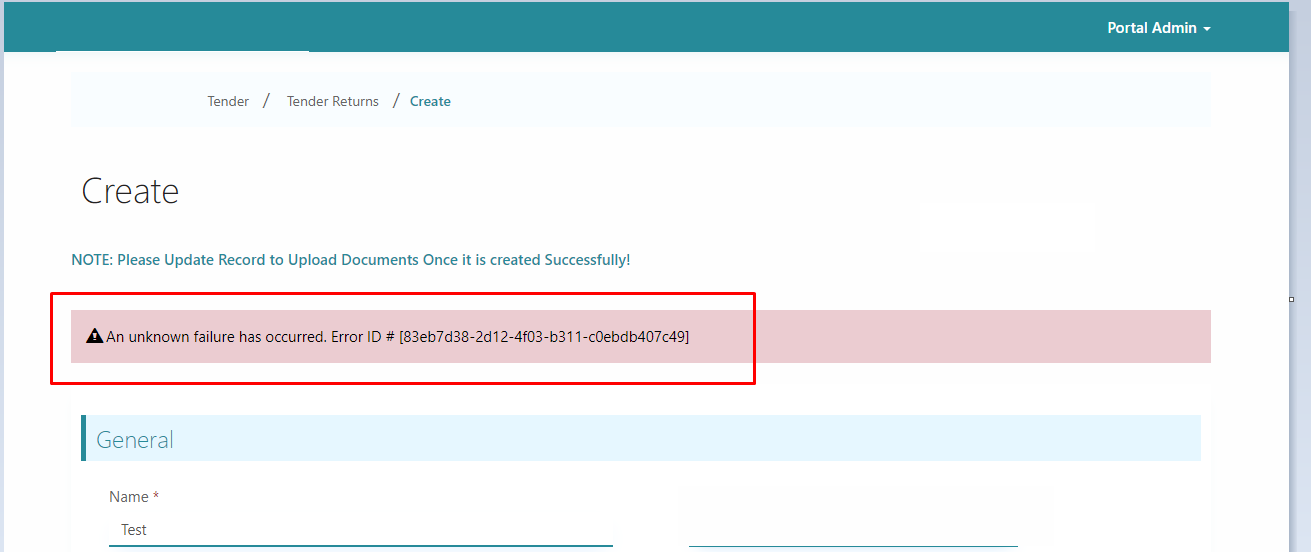
Implementation
Step 1: Create a new Site Setting record.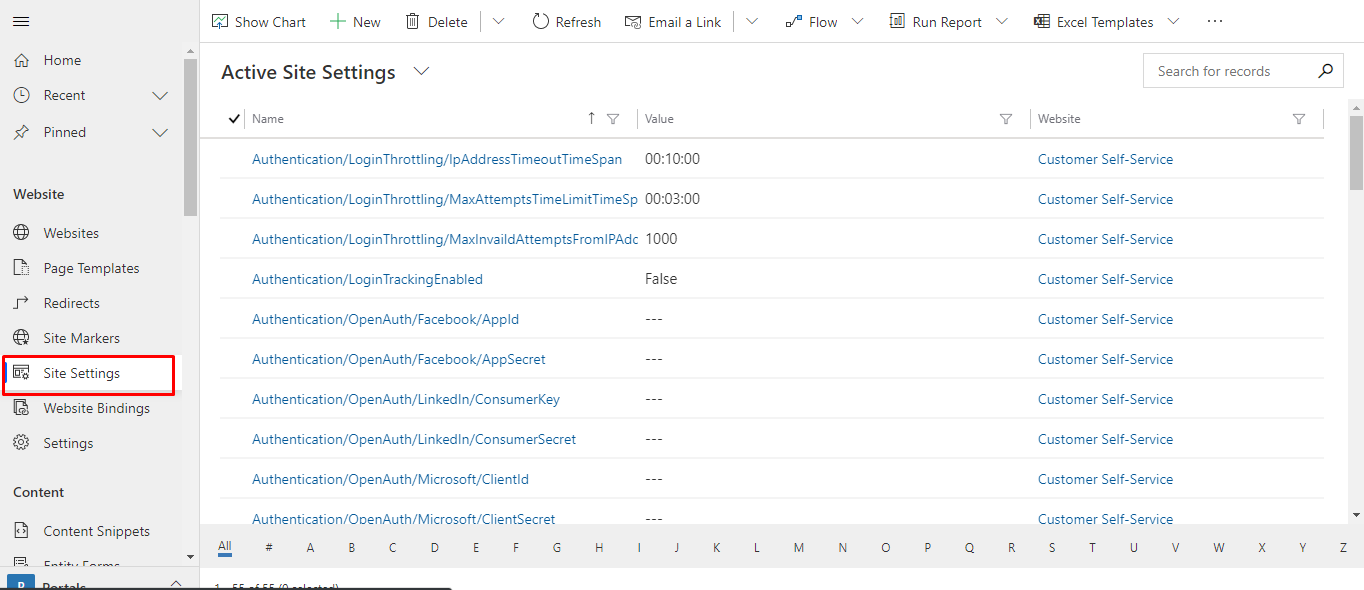
Step 2: Set the values given below in the fields:
Name: Site/EnableCustomPluginError
Value: true
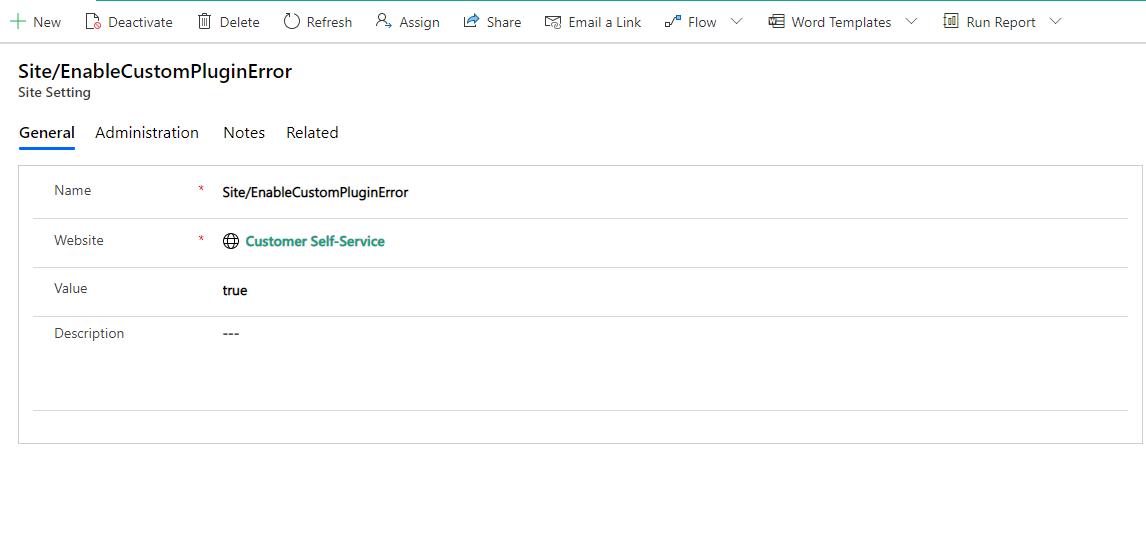 Now you can see the Error thrown by D365 Plugin.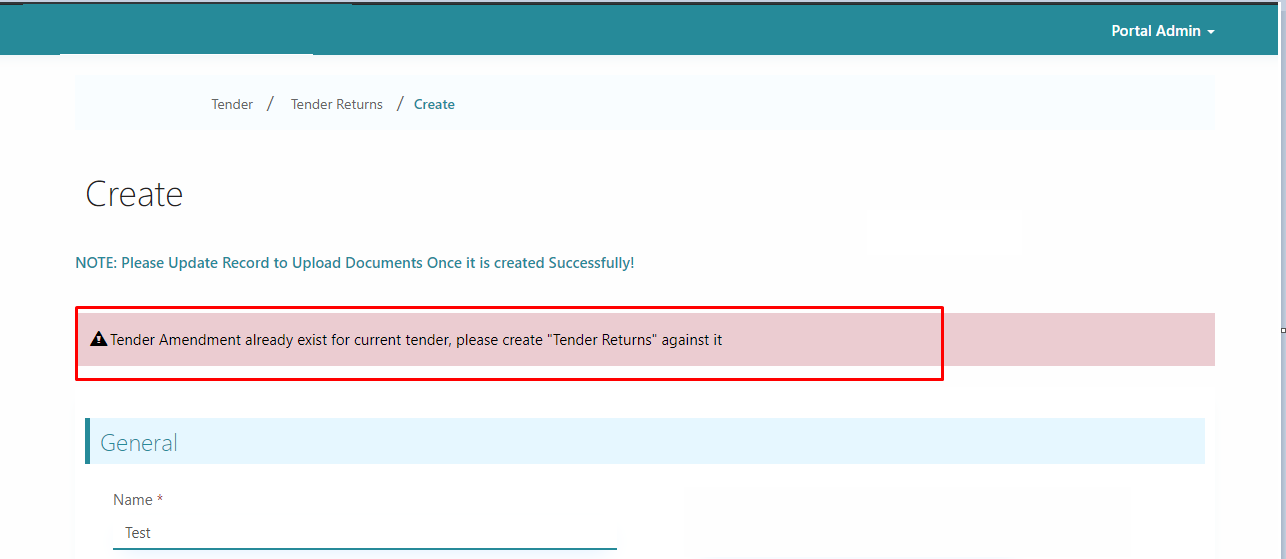
Custom plugin errors will appear on the following screens:
- Entity list
- Retrieval of records
- Entity form
- Retrieve
- Create/Update and so on
- Web forms
- Retrieve
- Create/Update and so on
The post Display D365 Plugin Error on D365 Portals. appeared first on .
*This post is locked for comments