







Hide Dashboards in D365
Views (2616)

 Like
Like Share
Share
 Report
This being an obvious approach to how Dashboards are by default seen by all. And how you can disable/hide for users. Even for D365 System Administrators!
Unlike usual forms, view or other records,

And Deleting the Dashboard isn’t an option.
Enable Security Roles way
So a simple trick is to remove entire access from Enable Security Roles

Make sure Display only to these selected security roles
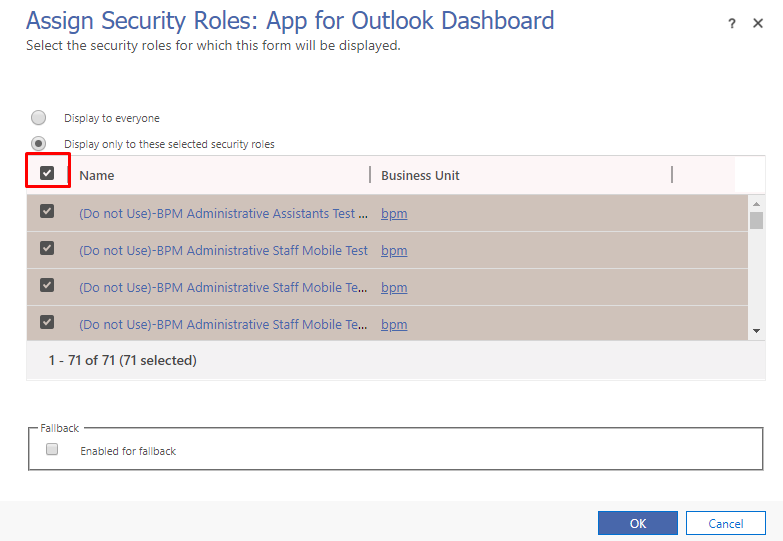
And then just untick if you want to provide no access to anyone
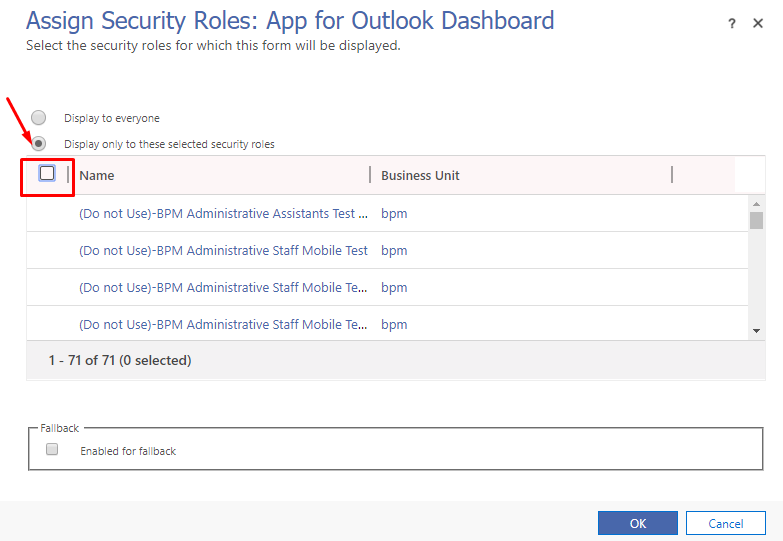
Hope this works!
The post Hide Dashboards in D365 appeared first on Cloudfronts - Microsoft Dynamics 365 | Power Bi | Azure.
*This post is locked for comments