web
You’re offline. This is a read only version of the page.
close
Skip to main content

Notifications

Announcements

No record found.

Community site session details

Community site session details

Session Id :
Finance | Project Operations, Human Resources, ...
Unanswered

Object Reference Not set to an instance of an object

(0) ShareShare
ReportReport
Posted on by 60

Hi Everyone,

Hi There,

I get an error on Visual Studio when I open the Project. I am using Visual Studio 2017. 

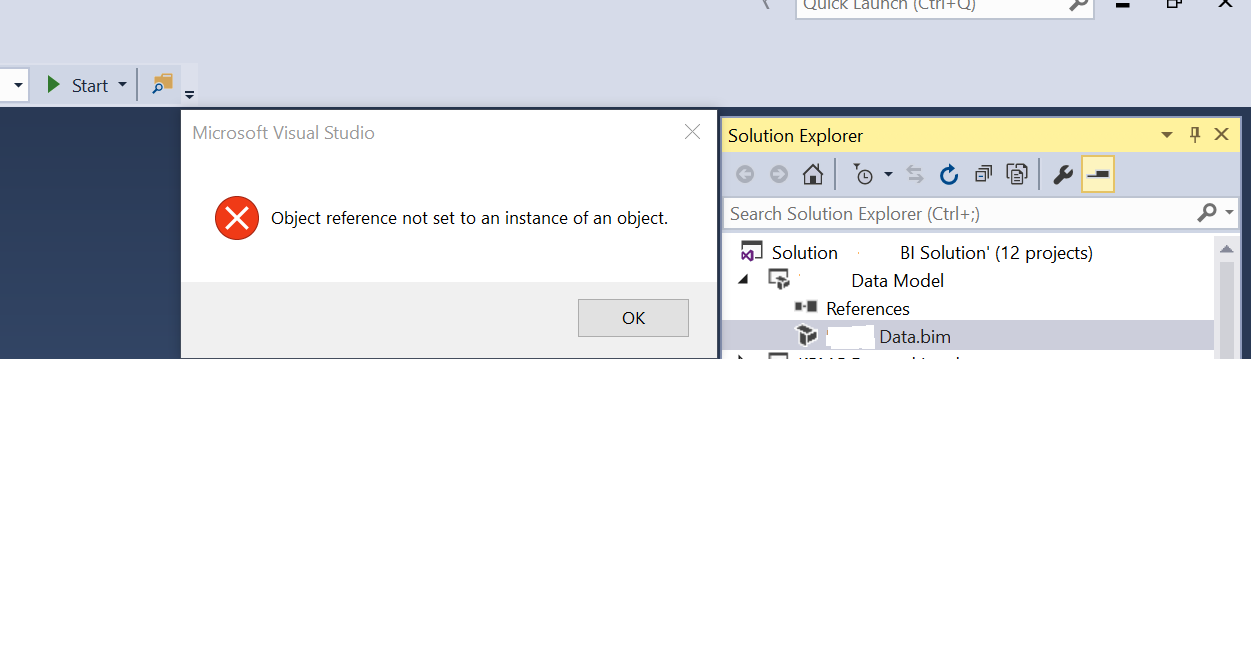
Its gives the error "Object Reference Not set to an instance of an object" tried couple of things I found n the web and no success.

I have attached the Screen shot of what happens.Neither I can build models and even synchronization database is running continue??

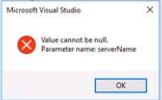
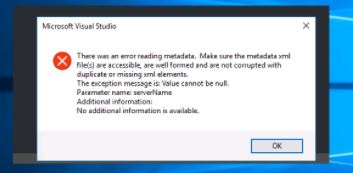
Many errors getting while opening visual studio also"Object Reference Not set to an instance of an object"Value cannot be nullerror reading metadata
I have the same question (0)
  • Martin Dráb Profile Picture
    237,801 Most Valuable Professional on at

    As the first thing, I would restart the machine. It sometimes solves weird problems.

    Did it work before? If so, what has changed? For example, didn't you install an update or something?

    If I understand it correctly, you're getting errors already when opening VS; it's not a problem specific to opening of a project. Is that correct?

  • GirishS Profile Picture
    27,827 Moderator on at

    Hi Yasir Khan,

    Last screenshot you have pasted is not clear. Its saying something like metadata is corrupted or there is duplicate elements with same name in different models. Check whether you have duplicate items(Elements with same name in multiple models) in the custom model.

    Thanks,

    Girish S.

  • YasirKhan Profile Picture
    60 on at

    Visual Studio was updated and problem that any project I am opening ,Object Reference Not set to an instance of an object is shown in output window also. Earlier it was working

  • YasirKhan Profile Picture
    60 on at

    Thanks for that and what about other errors you have to say.

  • GirishS Profile Picture
    27,827 Moderator on at

    Hi Yashir Khan,

    Because of the duplicate elements in the custom model you are getting all the above error I guess. Try to find out the duplicate elements in your custom models and delete them or rename it.

    Thanks,

    Girish S.

  • YasirKhan Profile Picture
    60 on at

    But I am unable to open projects,How can I find duplicate elements in custom models?Do I have to go source/repos folder of projects

  • GirishS Profile Picture
    27,827 Moderator on at

    Is the Application explorer opening? If yes you can search it there.

    Also as per martin comments what changes you made to the model before the issue is thrown? Also he said to restart the server - Have you done that?

    Thanks,

    Girish S.

  • Martin Dráb Profile Picture
    237,801 Most Valuable Professional on at

    Projects don't contain actual model elements. They're stored in the metadata folder (PackagesLocalDirectory, by default).

  • YasirKhan Profile Picture
    60 on at

    I have restarted the server and still same issue.

  • YasirKhan Profile Picture
    60 on at

    These errors were already coming before update visual studio also.

Under review

Thank you for your reply! To ensure a great experience for everyone, your content is awaiting approval by our Community Managers. Please check back later.

Helpful resources

Quick Links

Responsible AI policies

As AI tools become more common, we’re introducing a Responsible AI Use…

Neeraj Kumar – Community Spotlight

We are honored to recognize Neeraj Kumar as our Community Spotlight honoree for…

Leaderboard > Finance | Project Operations, Human Resources, AX, GP, SL

#1
Martin Dráb Profile Picture

Martin Dráb 664 Most Valuable Professional

#2
André Arnaud de Calavon Profile Picture

André Arnaud de Cal... 522 Super User 2025 Season 2

#3
Sohaib Cheema Profile Picture

Sohaib Cheema 303 User Group Leader

Last 30 days Overall leaderboard

Product updates

Dynamics 365 release plans