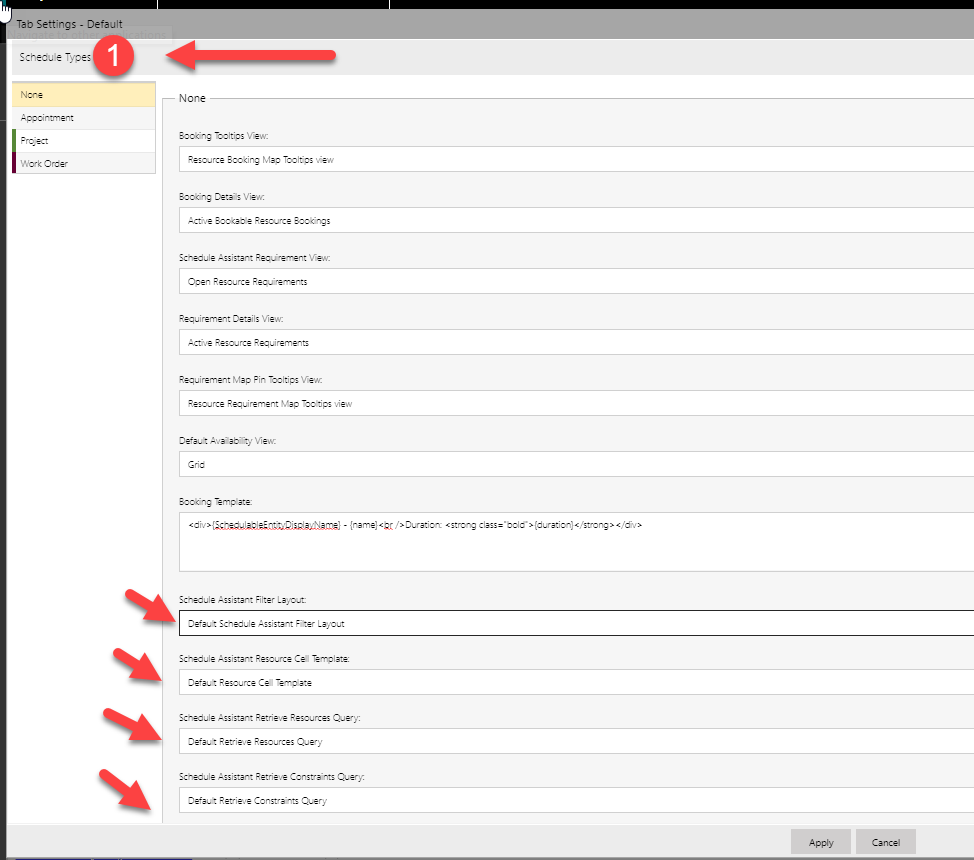
Exactly. If you upgraded from FS 7.X to 8.X, or if you upgraded from PS 2.X to 3.X and you are not seeing the options on the board, follow the previous guidance and make sure your schedule board and schedule assistant queries are pointing to the 3.0 version.
If you are on a previous version, crews are intentionally hidden when using the new schedule assistant and are only exposed when using the legacy field service schedule assistant
For FS 8.x and PS 3.x, to check the schedule board (not schedule assistant mode):
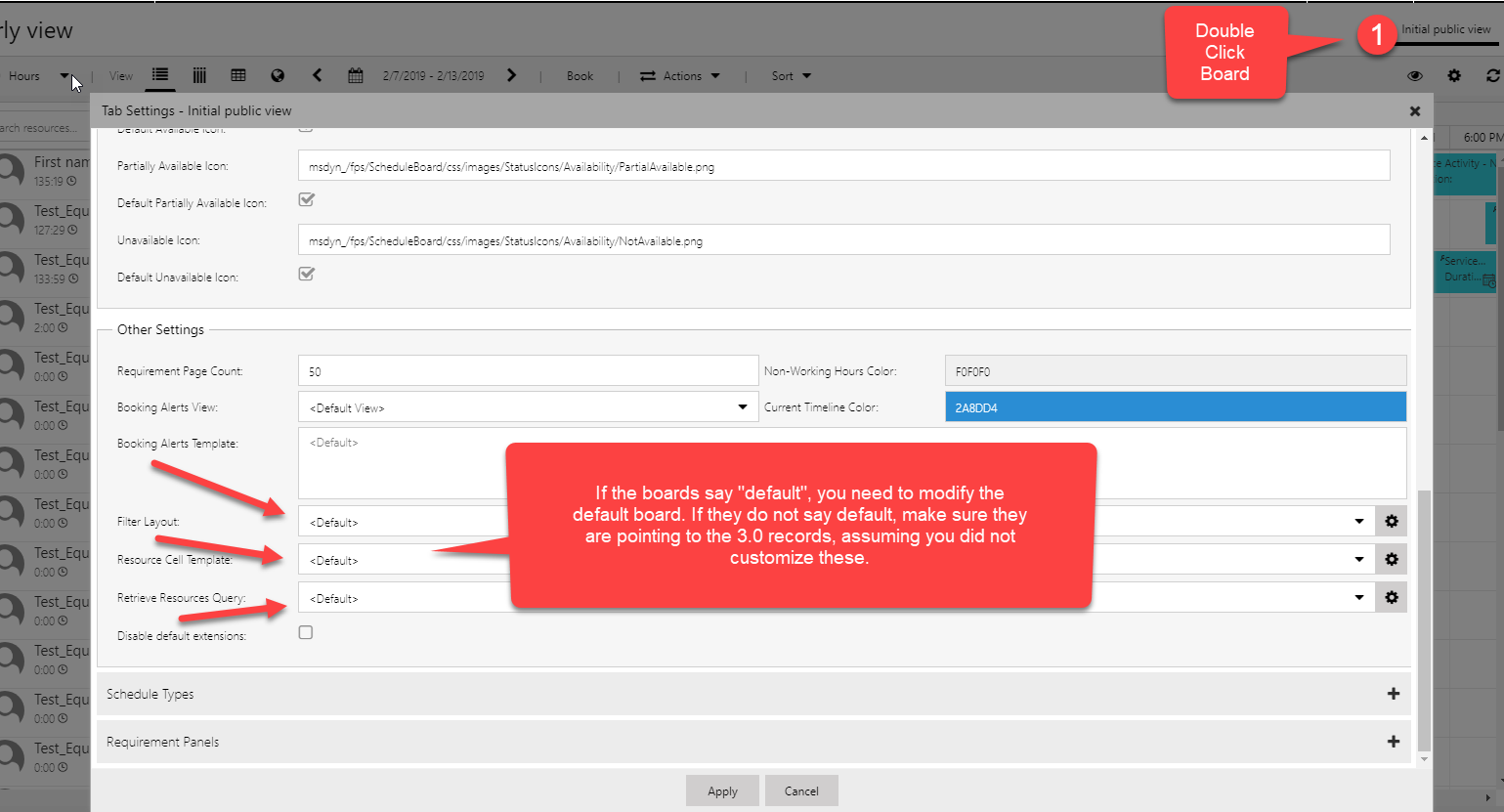
To change the values on the default board open the default board and then make sure the default board is pointing to the latest:
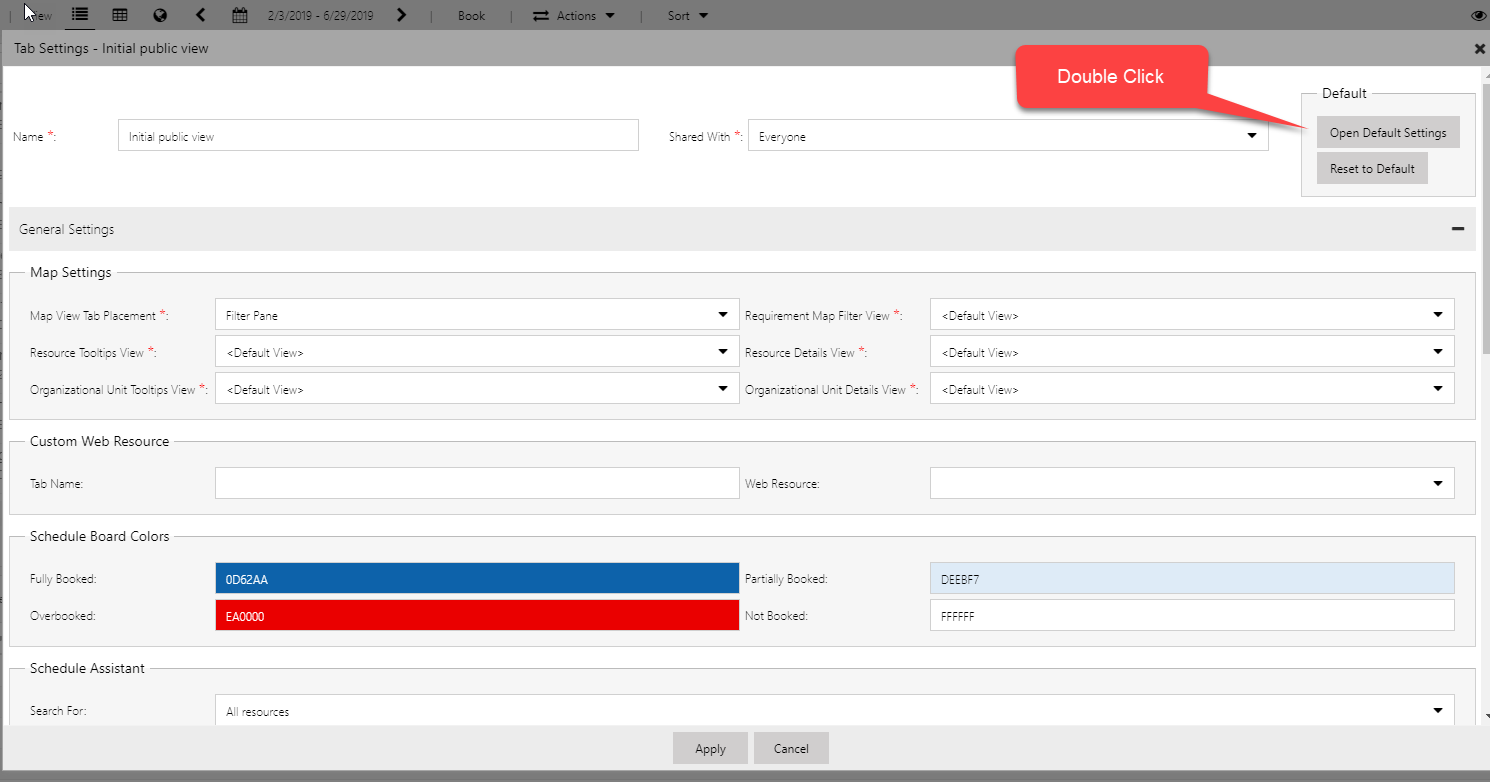
If the issue is happening when in the Schedule Assistant/Find Availability mode, check the values for schedule assistant. This is done from the default board only:
-Navigate to Default Schedule Board as outlined above
-Scroll to the "schedule types" section
-If your schedulable entities all say default for the schedule assistant records, you only need to change the "none" option, which serves as the default.