Hi partner,
You could follow my steps.
1.When we add a comment in portal case, we will be able to see it in D365 case form social pane "Activities" tab.
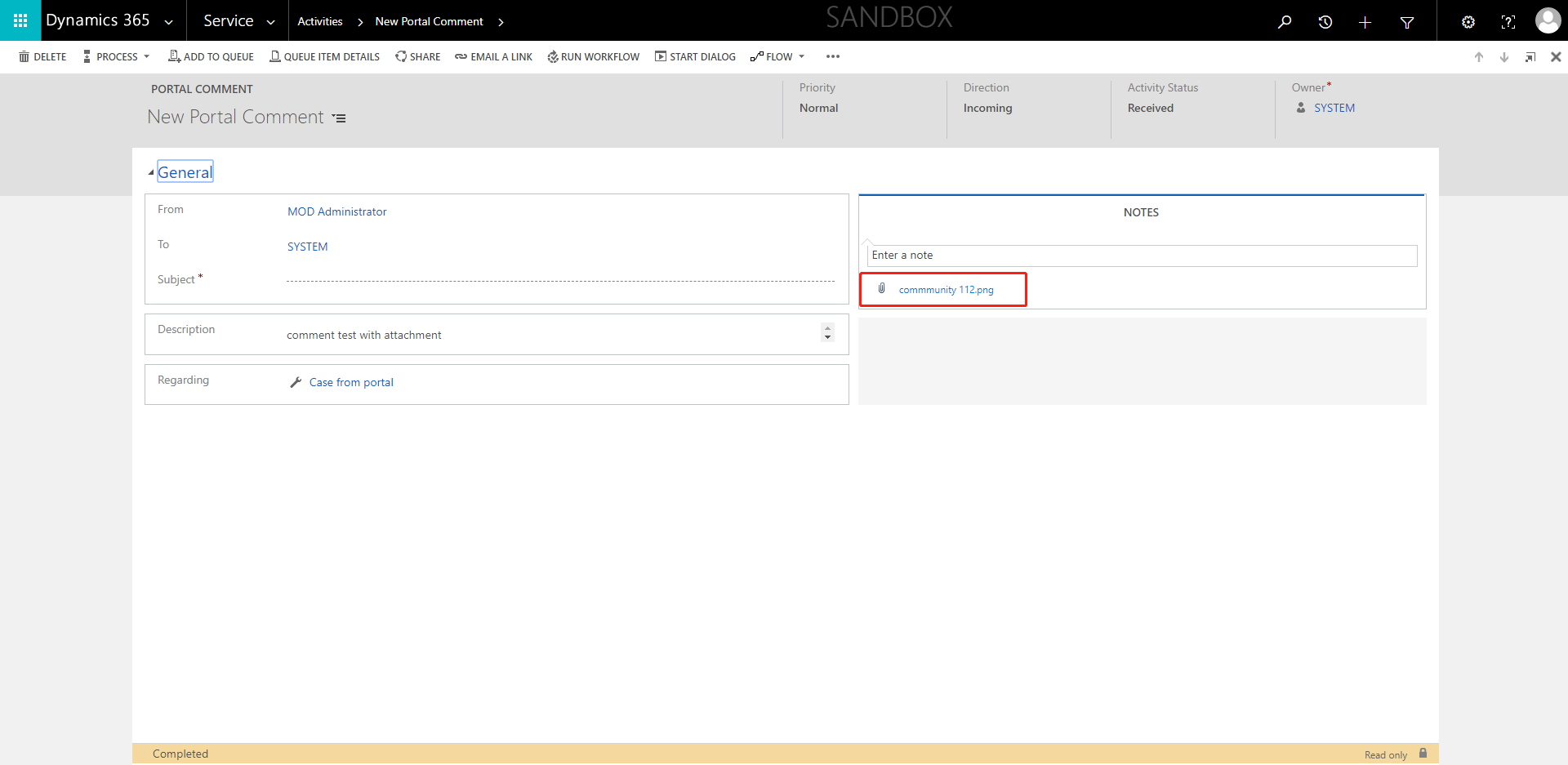
For example, I've added a comment named "comment test with attachment" in portal.

2.Then this comment will be able to see in "Activities" tab in D365 case form as an activity. If you want to see the attachments, you should click the "open this activity" button and show more details.

Hope it helps.
Best Regards,
Leo







