web
You’re offline. This is a read only version of the page.
close
Skip to main content

Announcements

No record found.

News and Announcements icon
Community site session details

Community site session details

Session Id :
Finance | Project Operations, Human Resources, ...
Suggested Answer

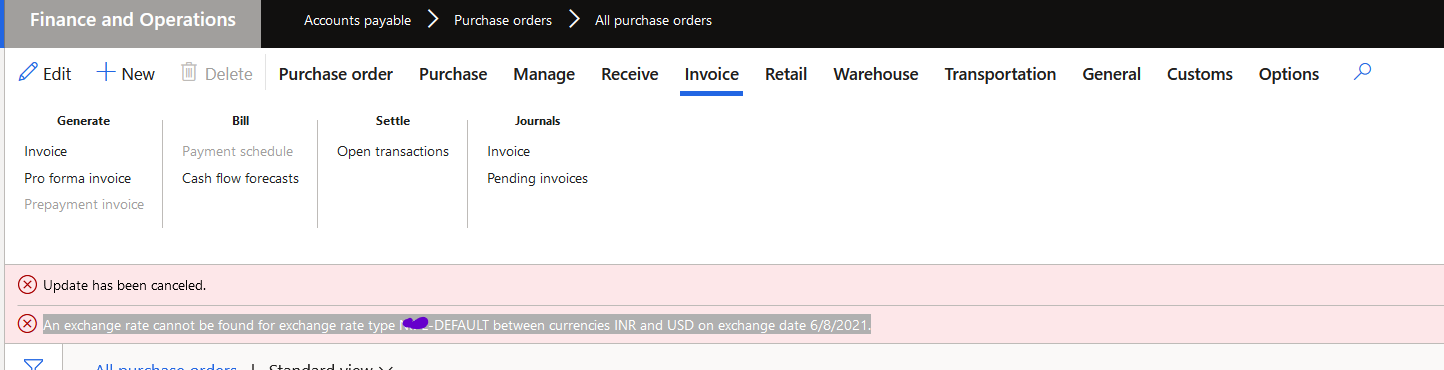
Query - An exchange rate cannot be found for exchange rate type xxx-Default between currencies INR and USD on exchange date 6/8/2021.

(0) ShareShare
ReportReport
Posted on by 137

Dear D365 FO Experts,

I am facing an issue.  Till last day i was easily creating the invoicing in purchase order. But today it starting showing below error.

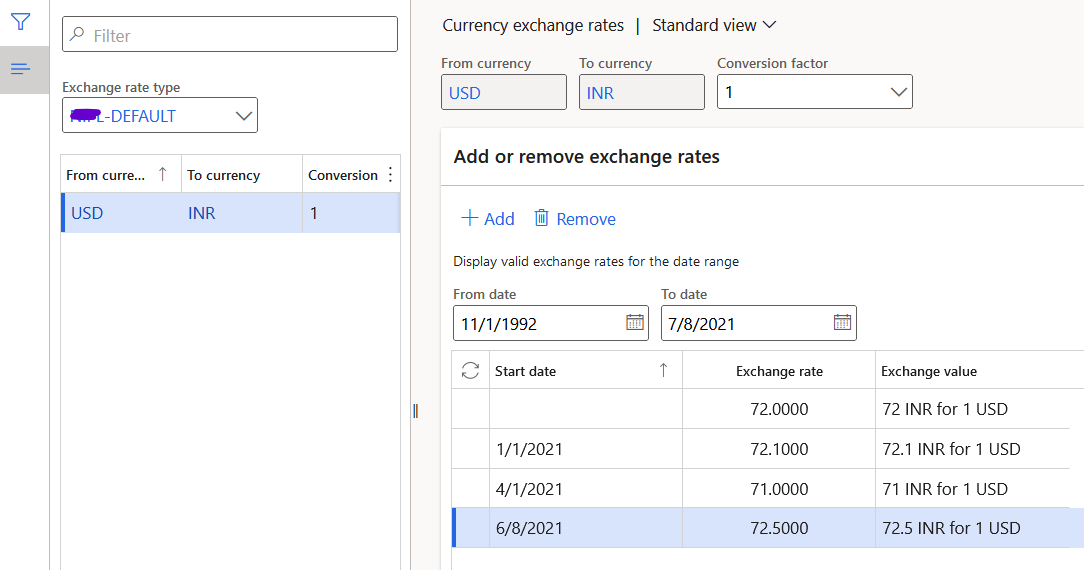
I had updated the rates in "Currency exchange rates", but it still showing the error. I tried to remove and update rate again but still it is showing the same error.

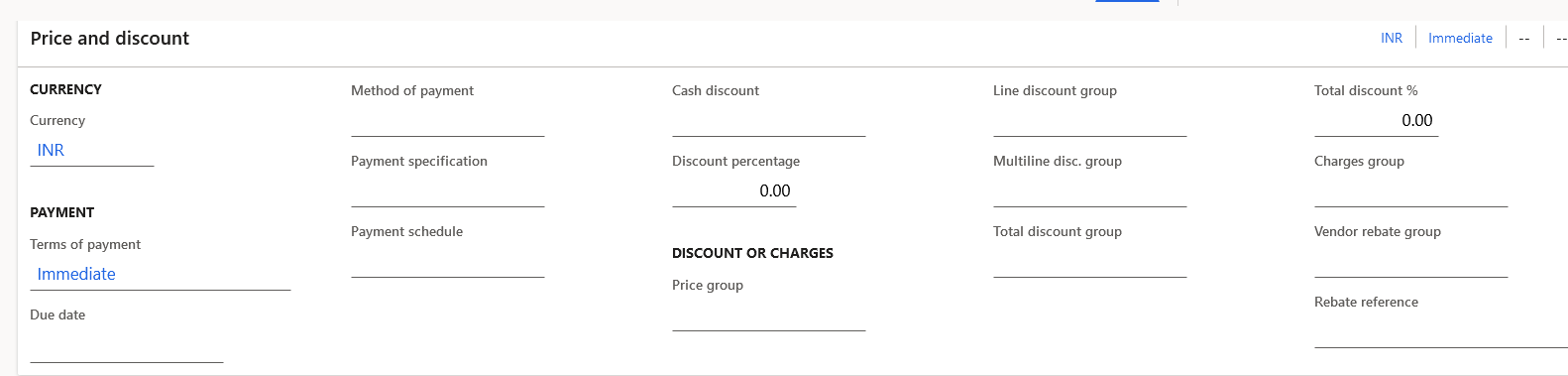
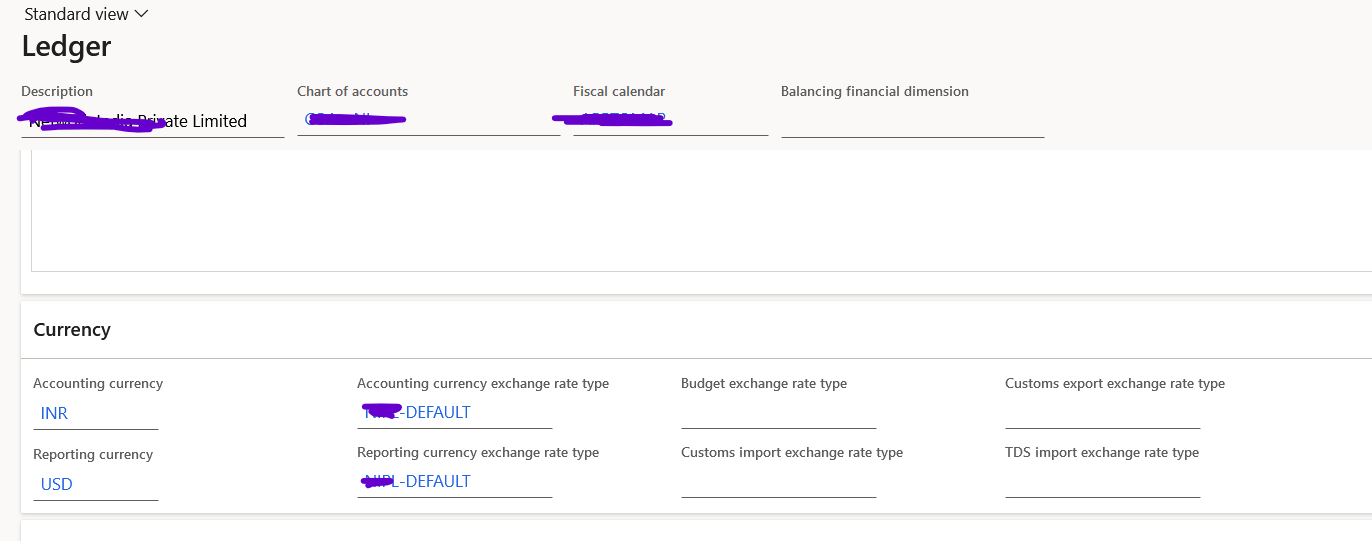
PO is in Currency INR. Reporting currency setup in Ledger is USD.
pastedimage1623145777850v1.png

pastedimage1623146090721v2.png

pastedimage1623146627374v5.png

pastedimage1623146349353v4.png

But it is working in vendor invoice journal very well. Its creating problem in invoicing through PO.
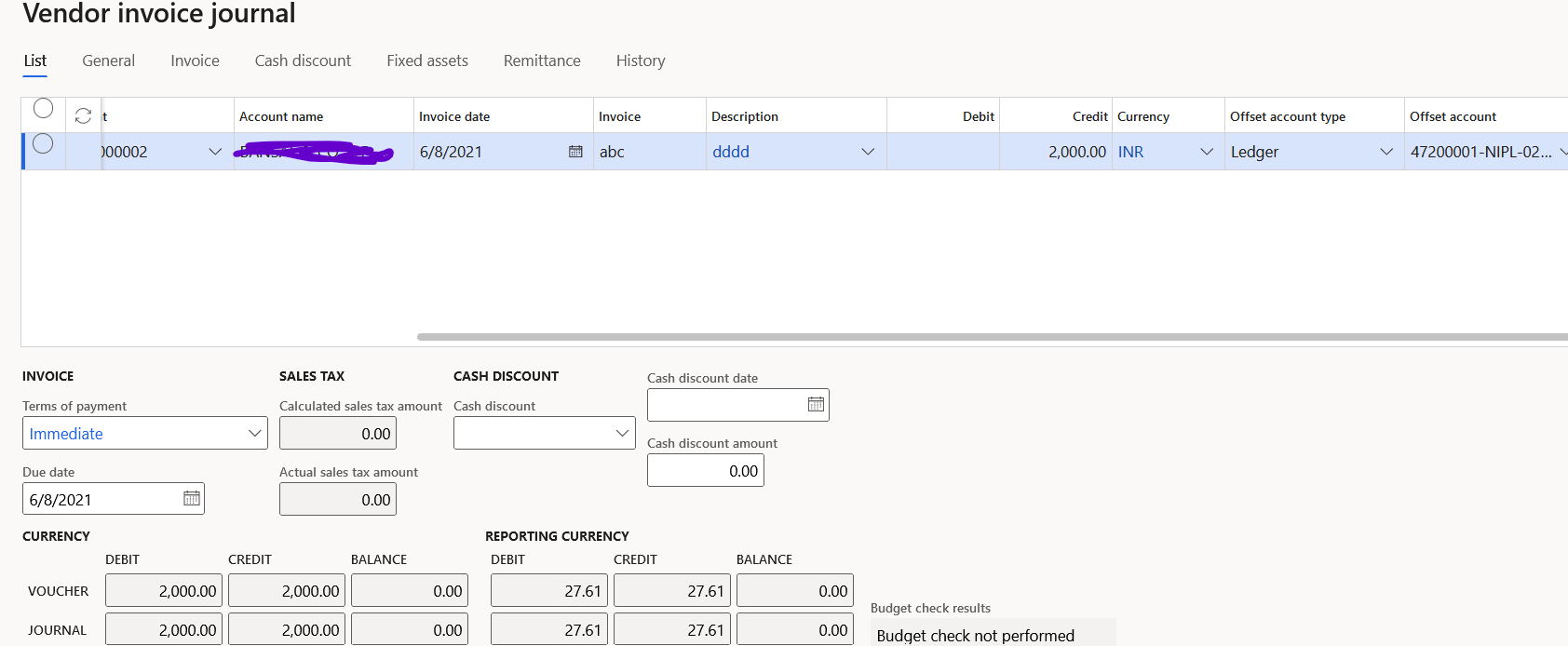
pastedimage1623146849601v6.png

I have the same question (0)
  • Suggested answer
    saurabh bharti Profile Picture
    15,059 Moderator on at

    Was this PO created earlier before setting up this exchange?

    Can you check on PO header if there is any info related to this? or Invoice header as well while creating invoice?

  • Ankit_Finance Profile Picture
    137 on at

    Dear Mr. Saurabh,

    Yes, this PO was created before exchange rate setup. PO was created for 3 quantities in April, out of which 1 quantity had received in April. Now 1 more quantity received in June. Now I am trying to create invoice but it is showing this error.

    I had checked on PO header, there is no such information related to that.

    Also I am trying to create a new sales order, but it is showing the same error.

  • Ankit_Finance Profile Picture
    137 on at

    More findings :

    When i use the "Default - Default Global Rate" which is already in the system, in my ledger setup, then this issue not appears,

    But when i use my own created exchange rate type, this issue is appearing.

  • Suggested answer
    Felipe Langarica Profile Picture
    4 on at
    Had same issue, and figure out that someone change the system currency, be sure that is aligned to you main currency (EUR in our case)
     

Under review

Thank you for your reply! To ensure a great experience for everyone, your content is awaiting approval by our Community Managers. Please check back later.

Helpful resources

Quick Links

Introducing the 2026 Season 1 community Super Users

Congratulations to our 2026 Super Stars!

Meet the Microsoft Dynamics 365 Contact Center Champions

We are thrilled to have these Champions in our Community!

Congratulations to the April Top 10 Community Leaders

These are the community rock stars!

Leaderboard > Finance | Project Operations, Human Resources, AX, GP, SL

#1
Giorgio Bonacorsi Profile Picture

Giorgio Bonacorsi 804

#2
André Arnaud de Calavon Profile Picture

André Arnaud de Cal... 639 Super User 2026 Season 1

#3
Subra Profile Picture

Subra 528

Last 30 days Overall leaderboard

Product updates

Dynamics 365 release plans