web
You’re offline. This is a read only version of the page.
close
Skip to main content

Notifications

Announcements

No record found.

Community site session details

Community site session details

Session Id :
Customer experience | Sales, Customer Insights,...
Suggested Answer

Transfer Data from 1 entity to another - How to map a custom activity type Entity to the OOB Activity Entity

(0) ShareShare
ReportReport
Posted on by 125

Hello we have I a peculiar situation i am facing. We have a custom entity named NoteBuilder that we created due to someone creating an appointment and entering offensive notes in description section. they did not know that those notes would be seen by the appointee. Needless to say it started a huge fire for us. 

They're emergency solution was to turn off emails in the system and create a custom "activity" entity that could not accidently be seen by customers. This was obviously a bandaid to poor usage by the users.

Now we are looking at migration and we are going to be forced to turn on email mailboxes in order to use the tracker, this is a good thing. I convinced them to stop using the customized activity and to start using the OOB since we have to turn on emails anyway. I am looking for a way to map the NoteBuilder notes to activity notes, basically i want to convert those custom ones to the OOB somehow. 

What do you think the easiest and most effective way to do this would be?? Thanks in advance community

NoteBuilder Fields

pastedimage1686853183468v3.png

Current account form with NoteBuilder view and OOB Activities"read only"  view
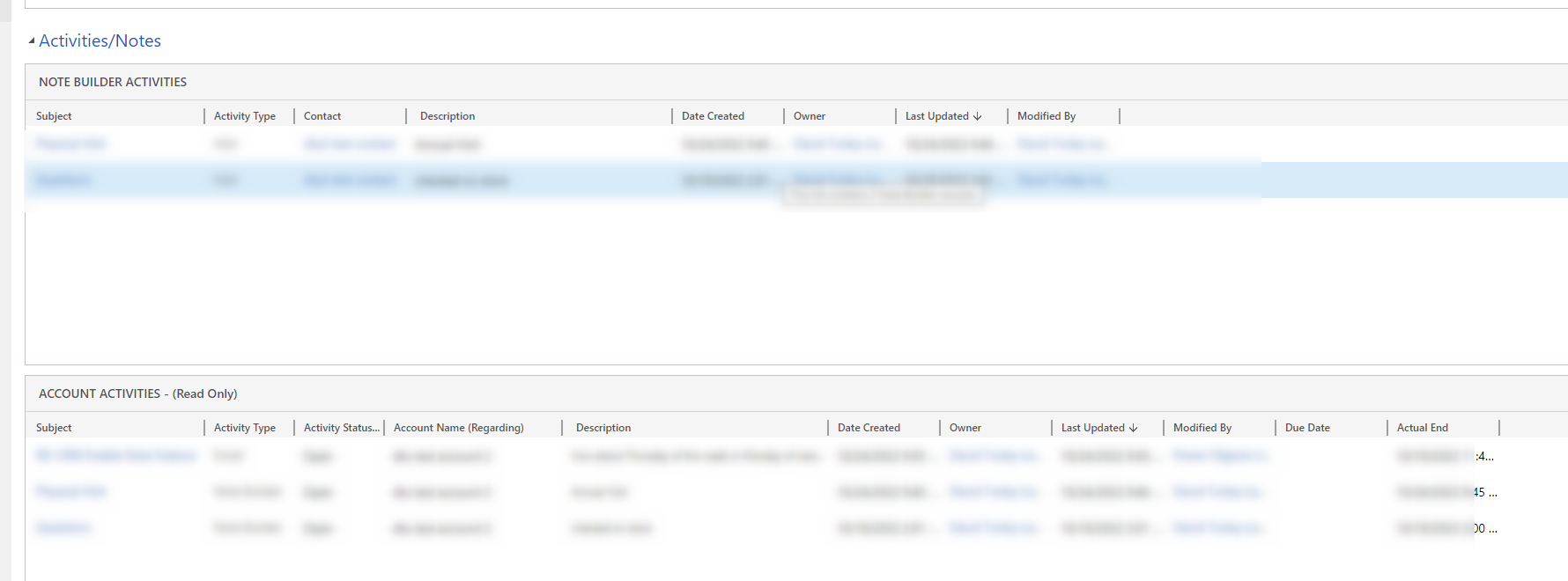
pastedimage1686853183443v2.png

Shows Notebuilder as a type of Activity that can be created

I have the same question (0)
  • Suggested answer
    a33ik Profile Picture
    84,331 Most Valuable Professional on at

    Hello,

    What version of the platform are you on? Is it cloud or on-prem? Your screenshots make me think you're on-prem and 8.something. Am I wright?

  • David Lewis Profile Picture
    125 on at

    My mistake, yes on prem 9.30

  • a33ik Profile Picture
    84,331 Most Valuable Professional on at

    Hello,

    In this case, you will have to either create a workflow or write a code to perform this conversion cause Power Automate Flow is not an option for you.

Under review

Thank you for your reply! To ensure a great experience for everyone, your content is awaiting approval by our Community Managers. Please check back later.

Helpful resources

Quick Links

Responsible AI policies

As AI tools become more common, we’re introducing a Responsible AI Use…

Neeraj Kumar – Community Spotlight

We are honored to recognize Neeraj Kumar as our Community Spotlight honoree for…

Leaderboard > Customer experience | Sales, Customer Insights, CRM

#1
Tom_Gioielli Profile Picture

Tom_Gioielli 144 Super User 2025 Season 2

#2
#ManoVerse Profile Picture

#ManoVerse 59

#3
Gerardo Rentería García Profile Picture

Gerardo Rentería Ga... 52 Most Valuable Professional

Last 30 days Overall leaderboard

Product updates

Dynamics 365 release plans



