






How to change the name of Custom App in Dynamics 365
Views (4682)

 Like
Like Share
Share
 Report
Introduction:
This blog consists of steps to change the name of the custom app in Dynamics 365.
Initially the app name is “Dynamics 365-custom” as shown below.
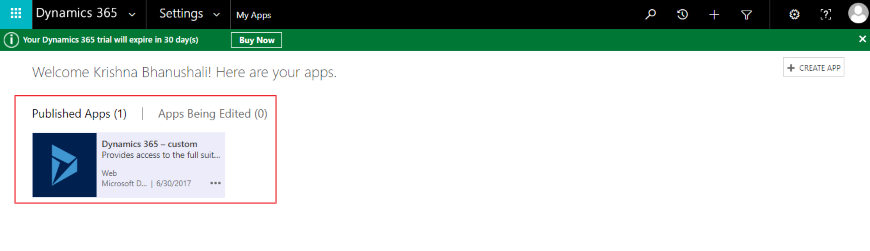
We can change the name to our organization name as shown below
- Navigate to Settings–> Administration–>System Settings
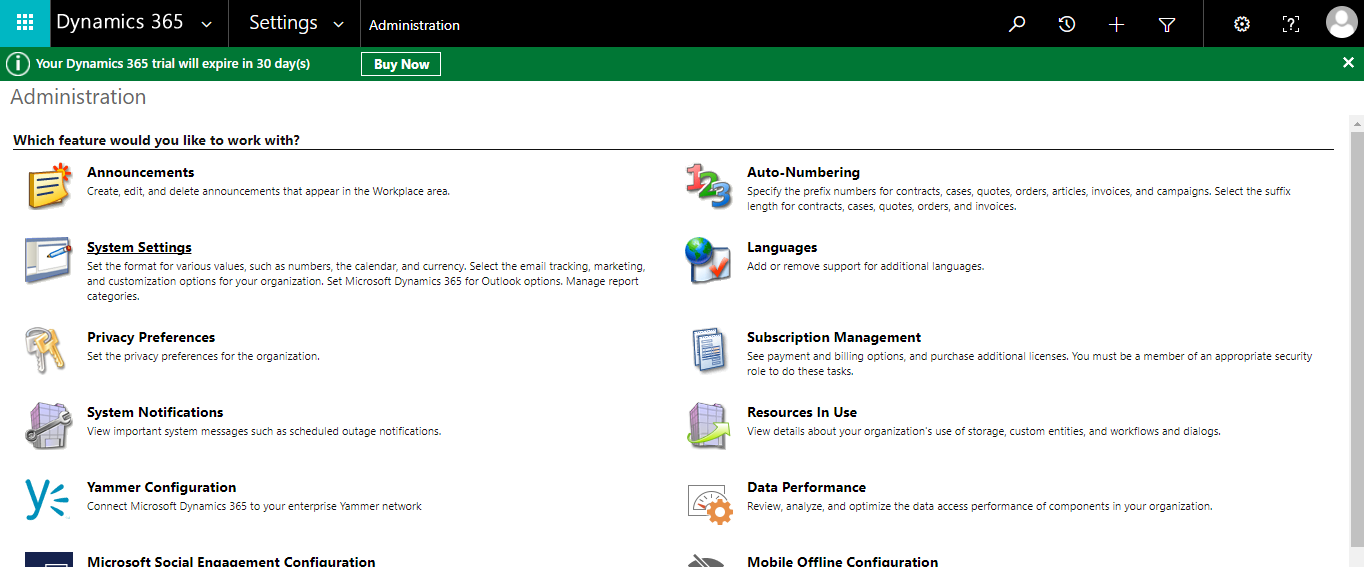
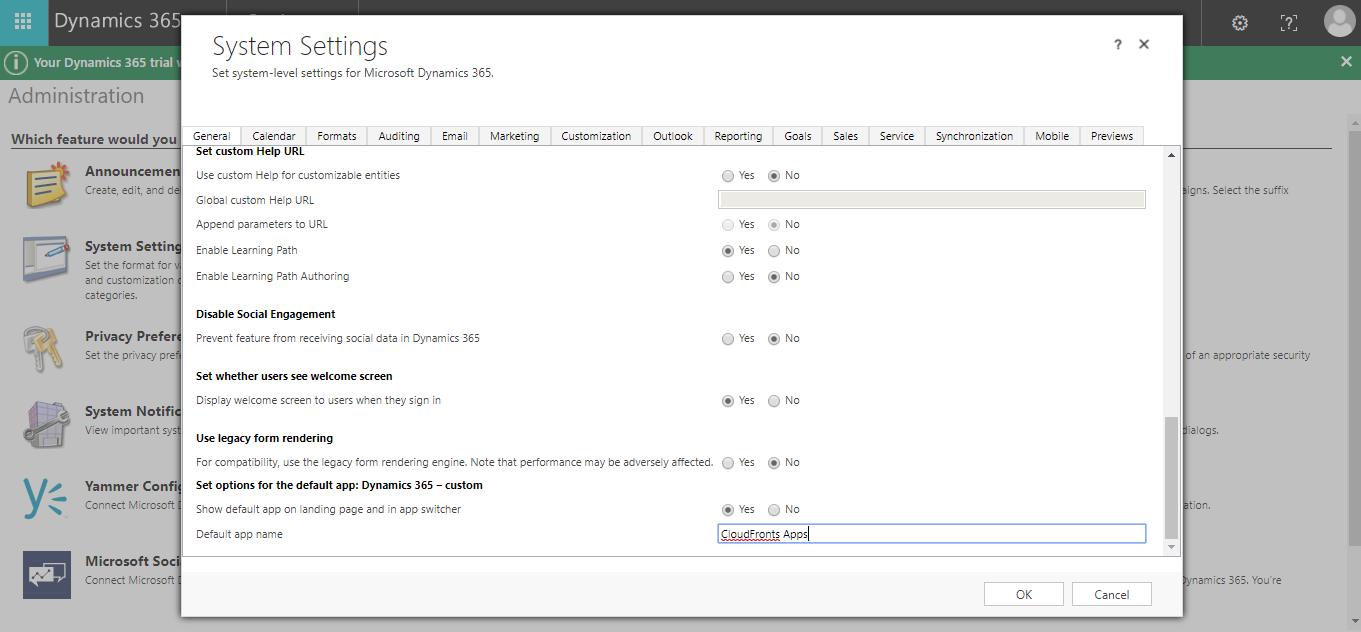
- In General Tab–> Set options for the default app:Dynamics 365-custom–>Change the default app name
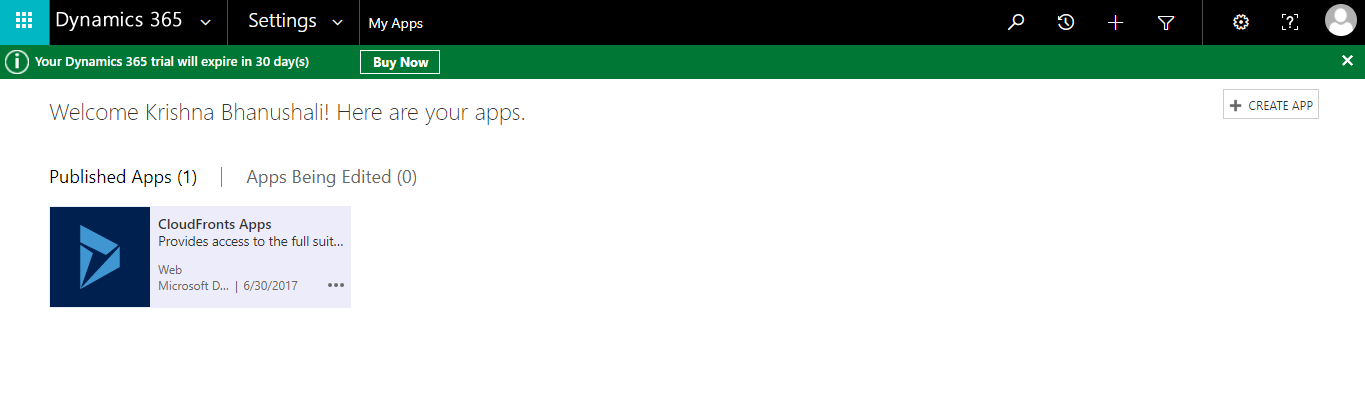
- The App name is changed to “CloudFronts Apps” and will be visible as below:
The post How to change the name of Custom App in Dynamics 365 appeared first on CloudFronts - Microsoft Dynamics 365 | Power BI | Azure.
*This post is locked for comments